Complete Step-by-Step Blueprint: How to Generate High-Ticket Digital Products & eBooks for Etsy and Amazon KDP in 2026/2027 (Backed by 25 Real Screenshots)
The digital products marketplace on Etsy and Amazon KDP has matured dramatically. Low-effort clip-art bundles and generic single-page printables no longer convert savvy buyers. The modern consumer demands hyper-personalized, interactive, high-utility digital assets and publication-grade eBooks structured with academic precision and pristine print typography.
In this comprehensive, forensic blueprint, we walk you through a live, production-verified session inside the Digital Products Maker Studio using 25 real workflow screenshots demonstrating:
- Interactive Kids Pattern Worksheets (Printables) with automated cut-and-paste tokens and a verified 100/100 QA Audit.
- A Complete 29-Page Commercial eBook titled "ETSY 2027: THE ECO-DIGITAL CRAFTER'S GUIDE", featuring an 8K AI cover, automated Table of Contents, chapter illustrations, and data-driven category profit margin charts.
🚀 Workflow 1: Creating Interactive Kids Pattern Worksheets (Printables)
Educational printables represent one of the most profitable, low-refund digital categories on Etsy due to recurring demand from homeschooling parents and elementary educators.
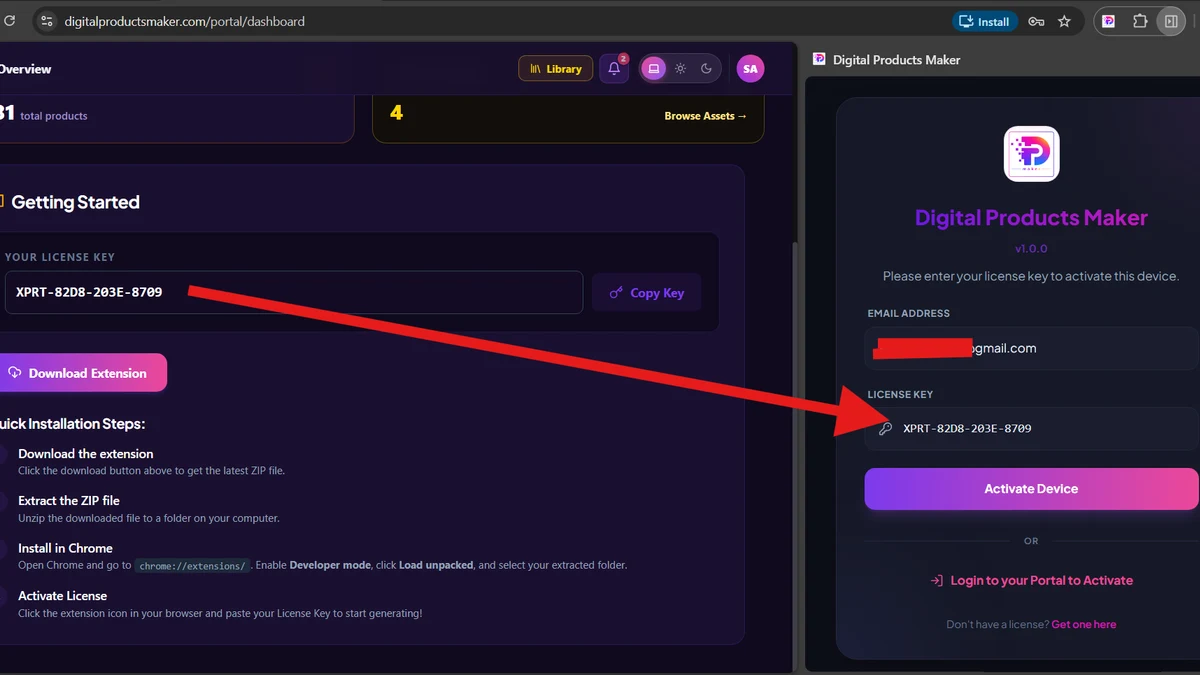
Step 1: Launching Digital Products Maker from Chrome Toolbar
Open the extension instantly from the Google Chrome toolbar without launching cumbersome desktop graphic suites.
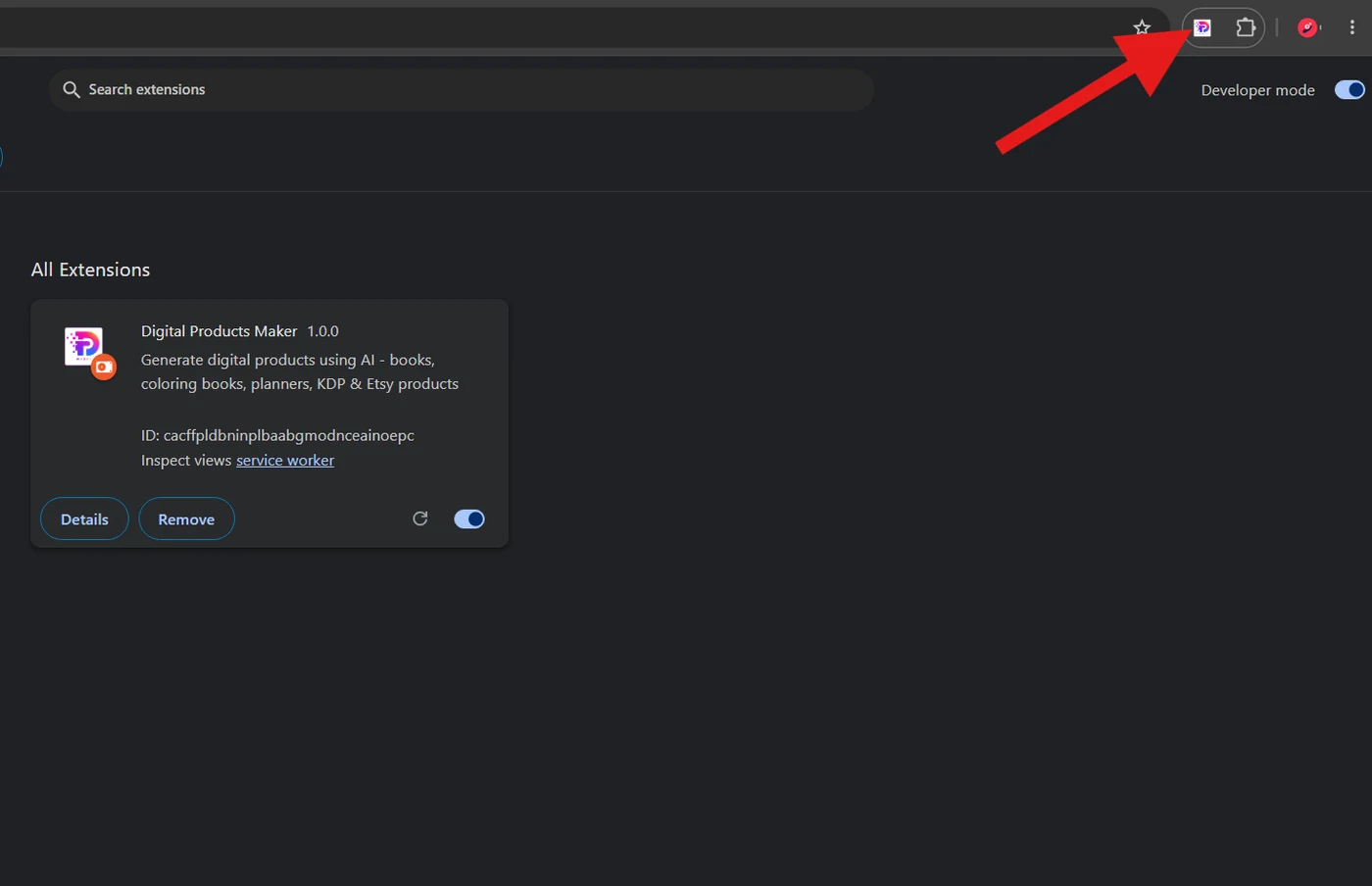
Step 2: Exploring the Studio Dashboard (40+ Tool Modules)
The central Studio grid provides immediate access to over 40 specialized product generators, including coloring books, math sheets, sight words, planners, flashcards, and AI eBooks.
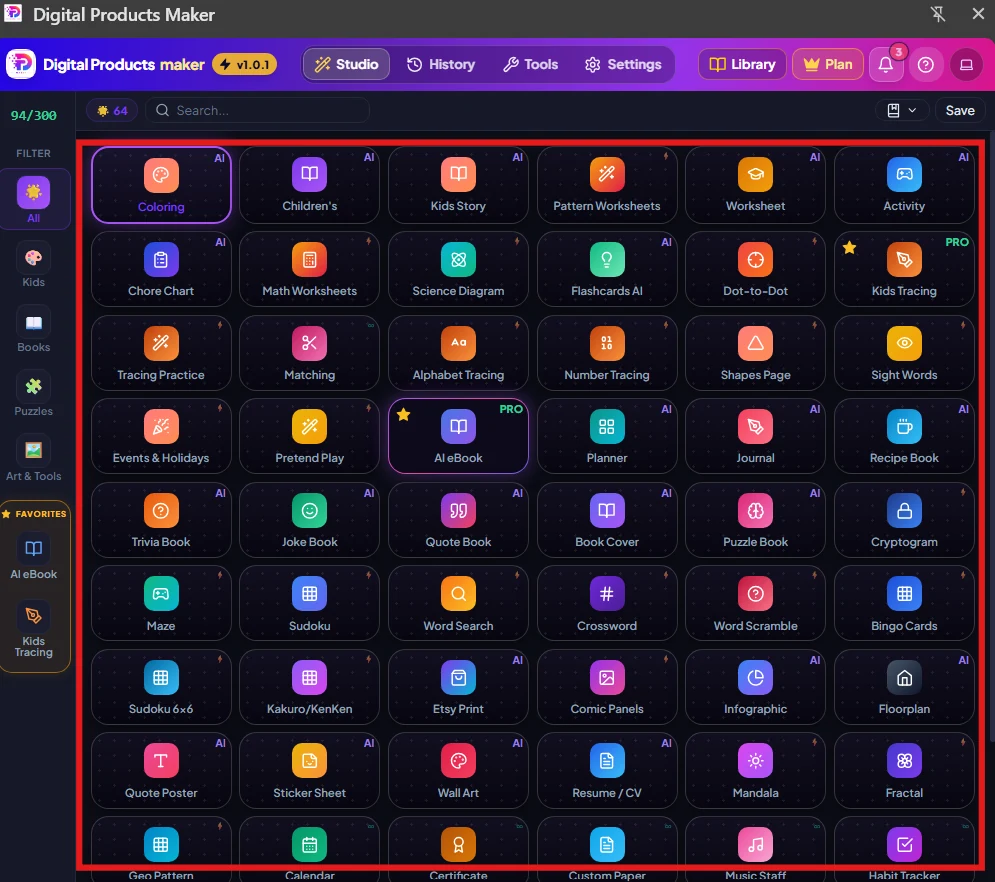
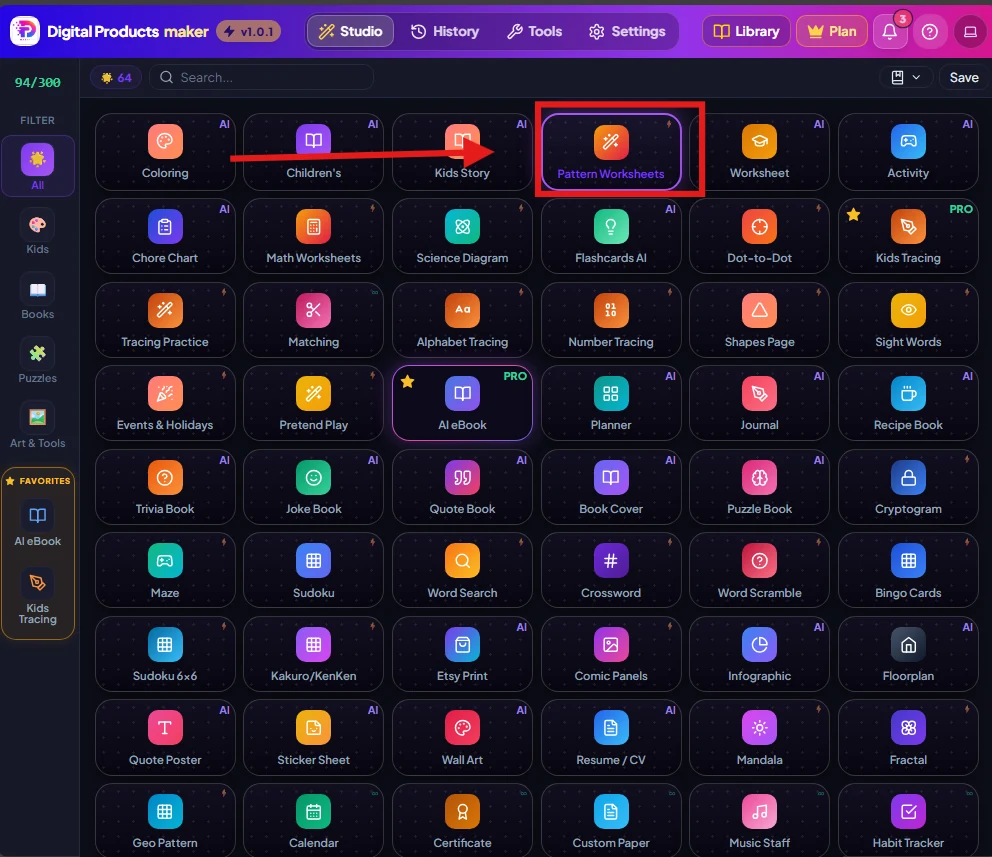
Step 3: Selecting the Pattern Worksheets Generator
We select the Pattern Worksheets module engineered to create developmental logic sequencing sheets for preschool and kindergarten learners.
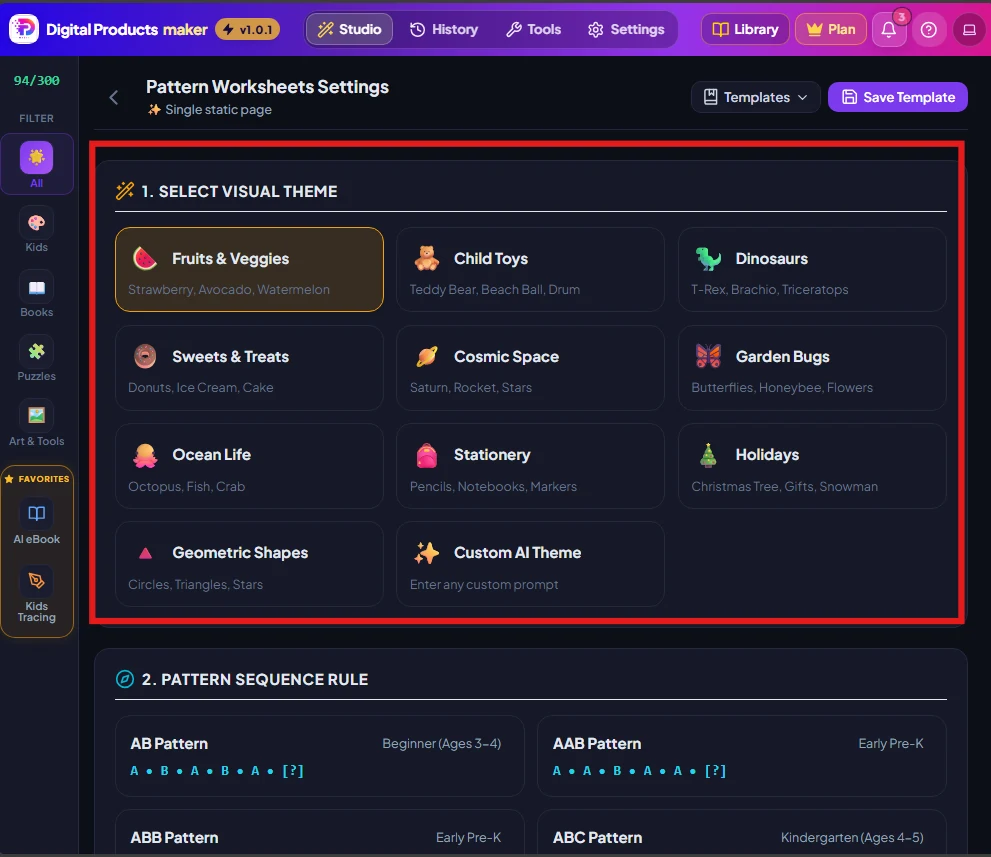
Step 4: Configuring the Visual Theme
Select from an extensive vector asset library: Fruits & Veggies, Child Toys, Dinosaurs, Cosmic Space, and Garden Bugs. We choose Garden Bugs / Insects.
Step 5: Setting Pattern Rules and Activity Type
To ensure educational depth, we select Mixed / Smart Shuffle (blending AB, AAB, ABB, and ABC logic rows) with:
- Output Style: Vibrant Full Color.
- Activity Type: Interactive Cut & Paste with dashed scissor-guide tokens.
- Rows Count: 3 balanced exercise rows per page.
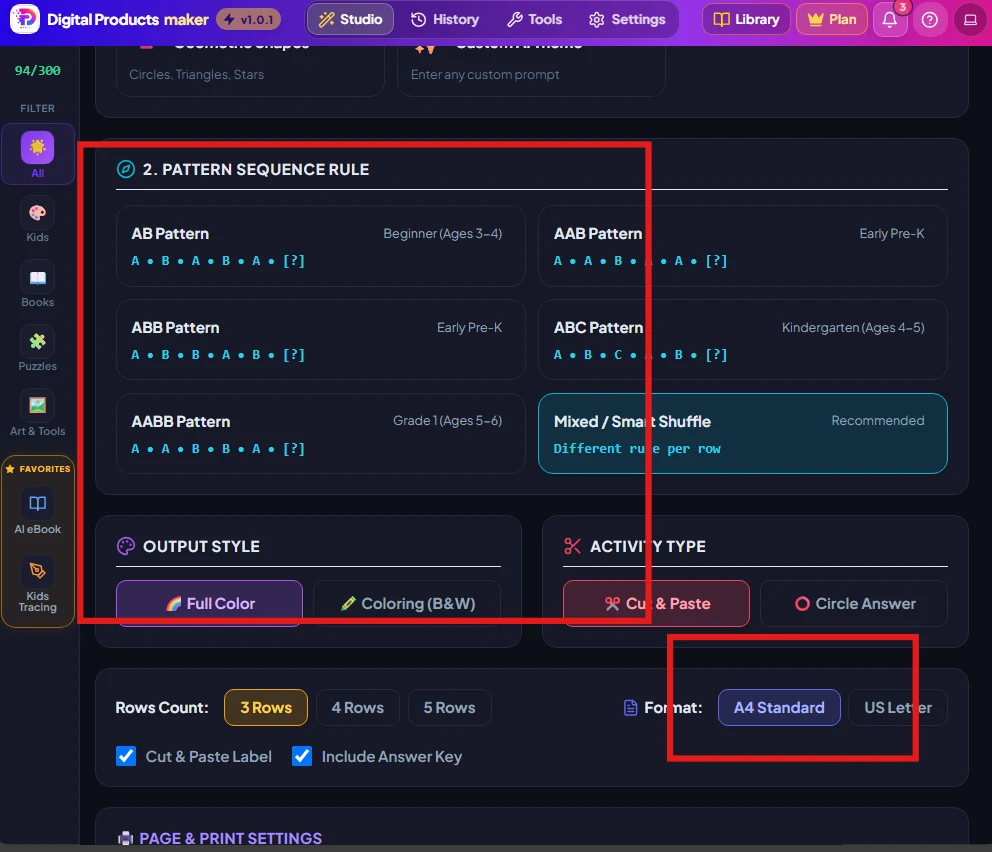
Step 6: Print Dimensions & 1-Click Generation
Set page dimensions to A4 Standard Sheet (210x297 mm) or US Letter, check "Include Answer Key", and click the purple "Generate Product" button.
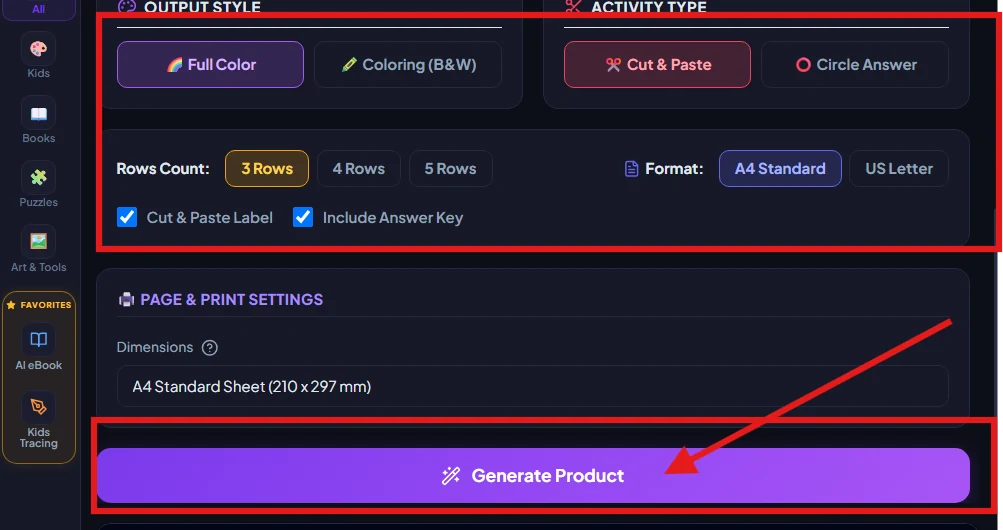
Step 7: Certified QA Audit (100/100) & Canvas Verification
The engine instantly renders a 5-page printable bundle verified by the built-in QA Audit (100/100) badge, confirming zero margin violations or bleed errors.
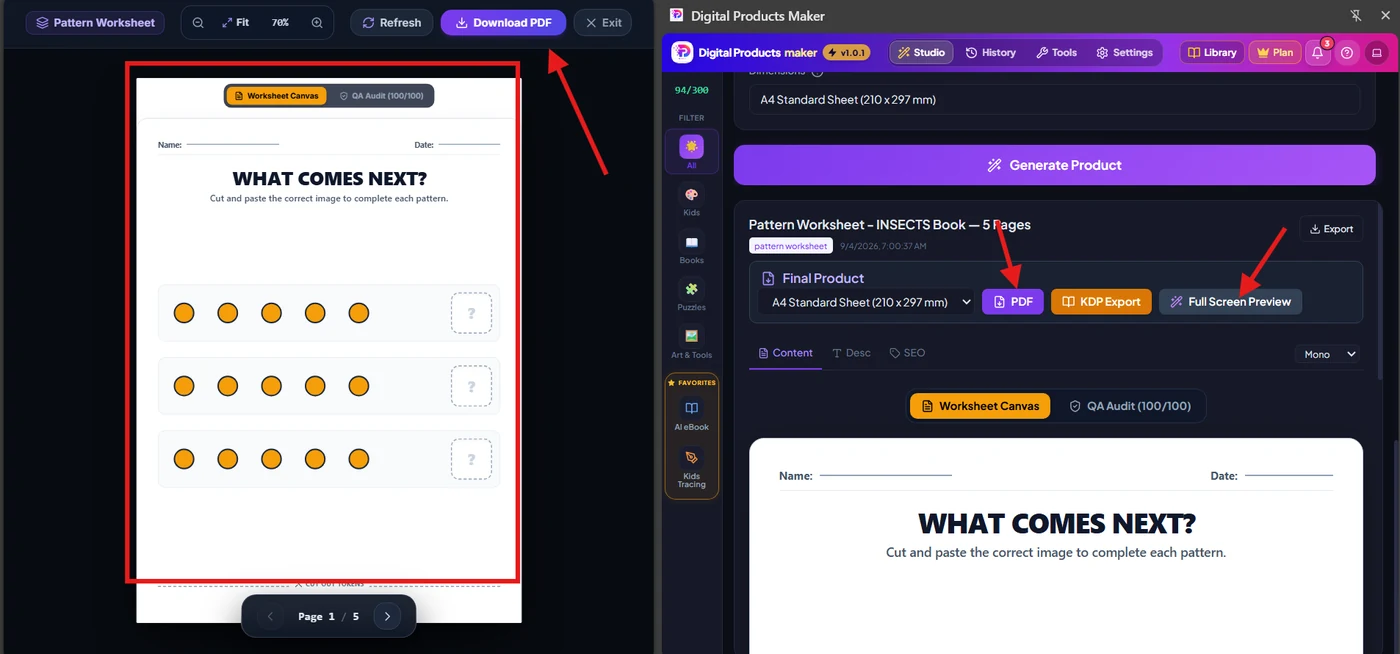
Step 8: Vector-Quality Printable PDF Export
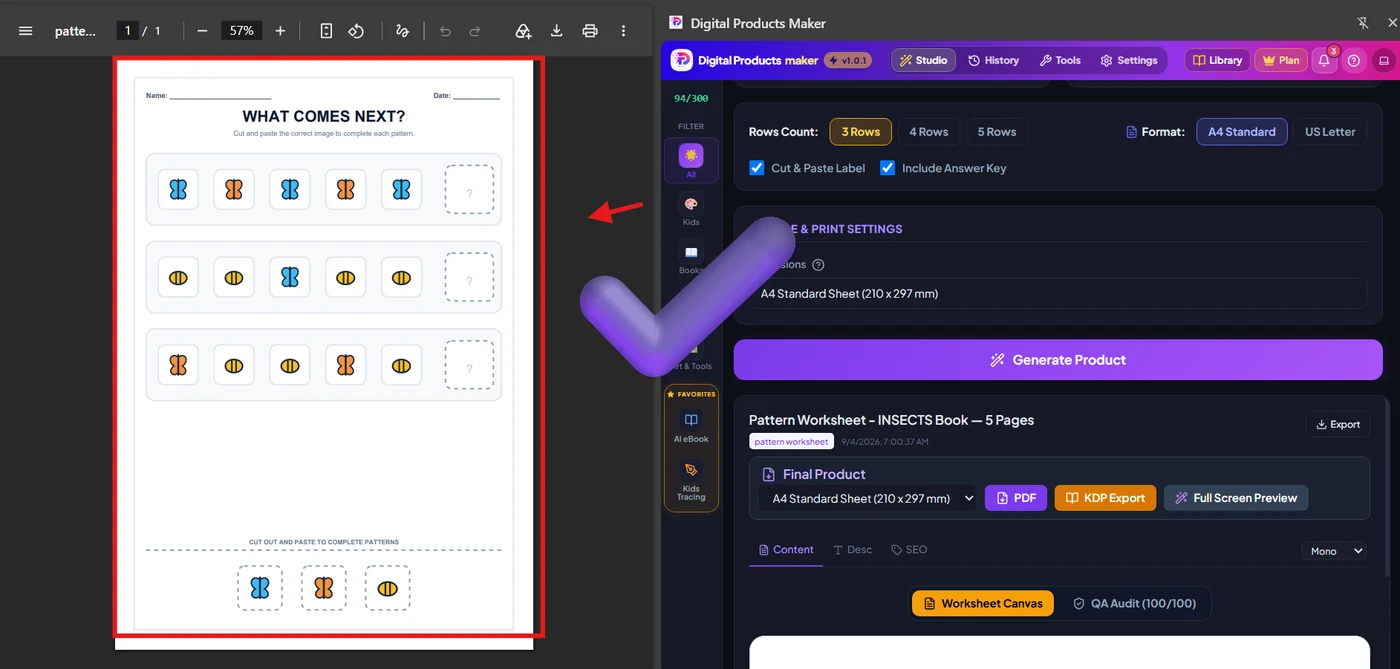
Click "Download PDF" to receive the final print-ready PDF containing insect patterns, dashed cutout tokens, and solution keys.
📚 Workflow 2: Generating a Complete 29-Page High-Ticket eBook ("Etsy 2027")
Comprehensive guides and niche business textbooks command premium price points ($19.99 to $37.00) on Etsy, Gumroad, and Shopify.
Step 9: Launching the AI eBook Generator (PRO)
Select the AI eBook (PRO) module from the Studio dashboard.
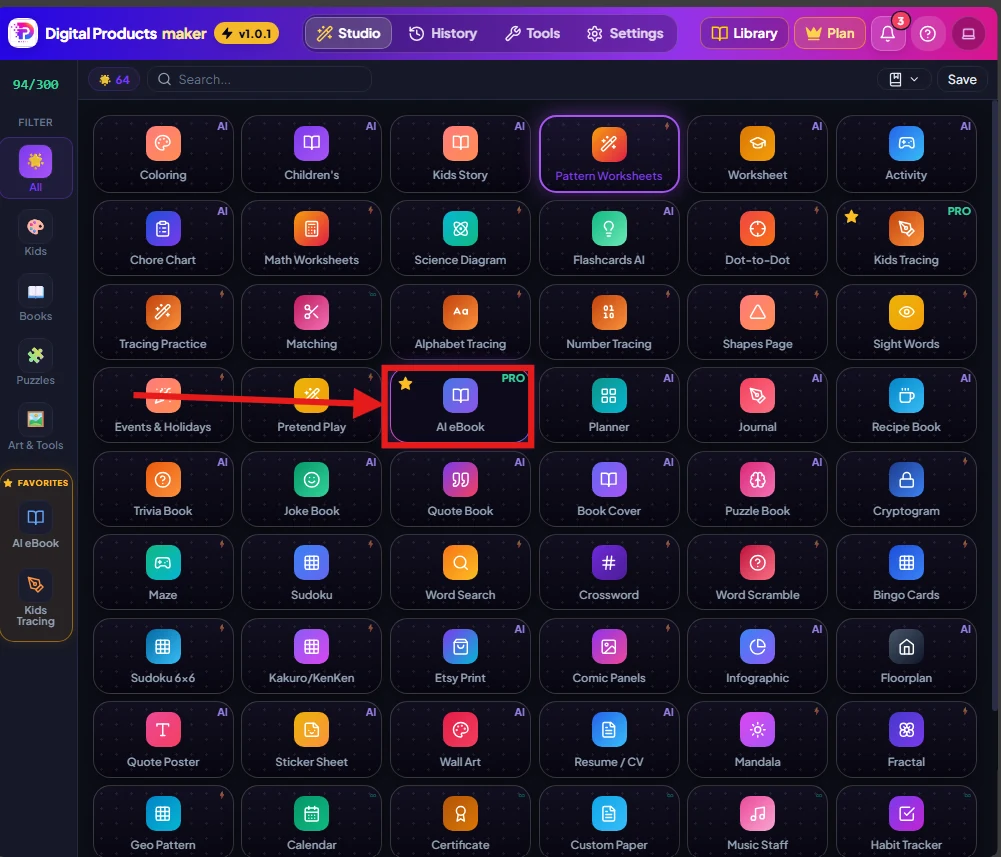
Step 10: Setting eBook Parameters & Architectural Thesis
Establish core parameters:
- Book Type / Genre: Educational Textbook.
- Writing Tone: Professional.
- Target Format: A4 Standard eBook (210x297 mm).
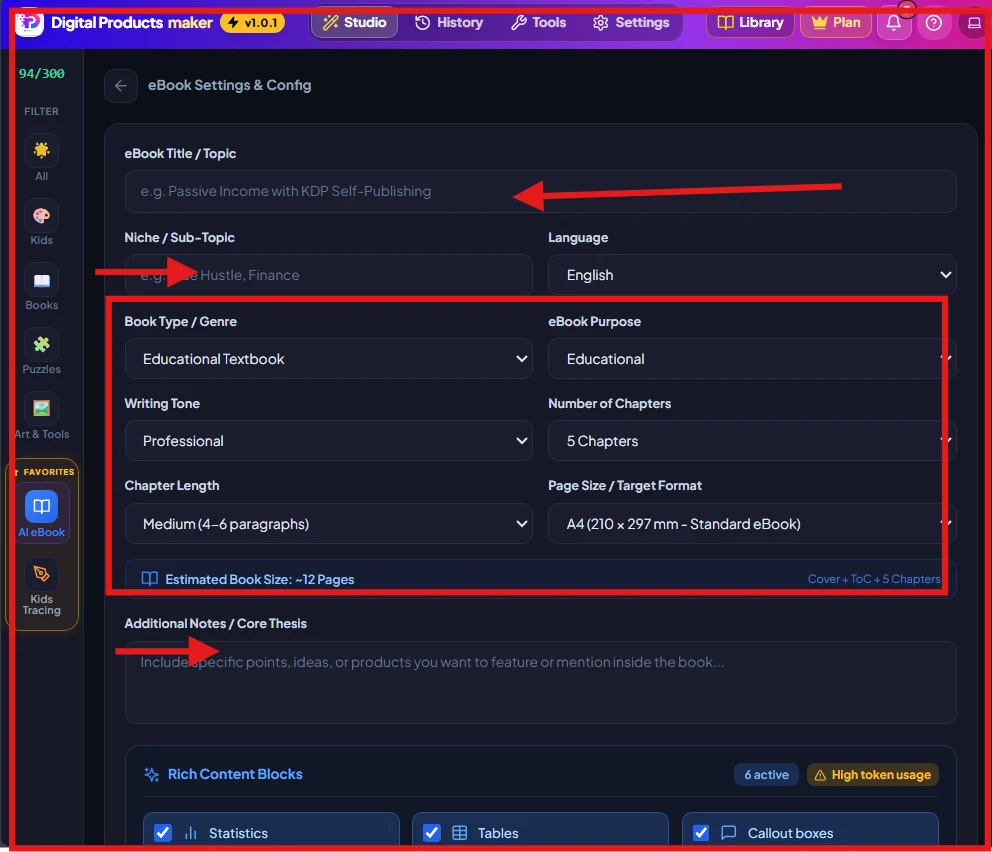
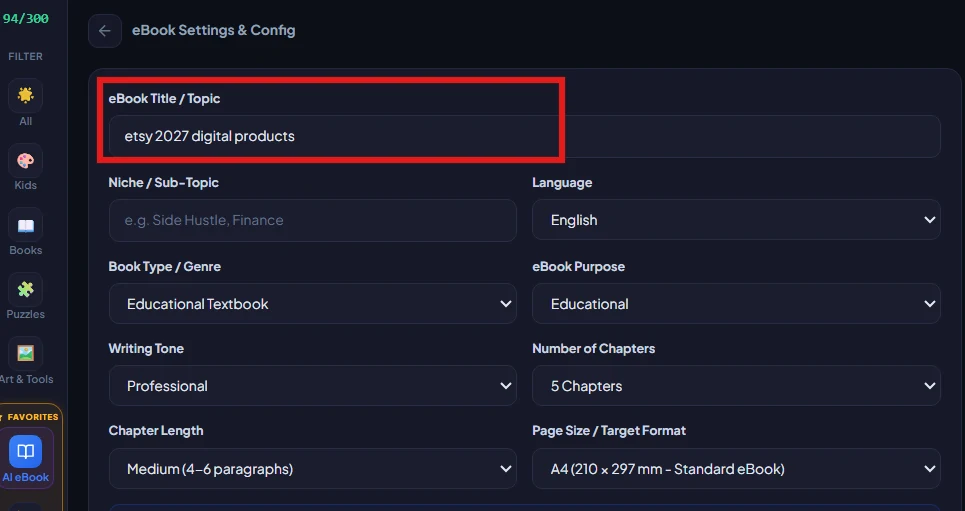
Step 11: Entering the High-Demand Topic (Etsy 2027)
Input the topic title: "etsy 2027 digital products" to capture the impending shift toward AI-integrated digital assets.
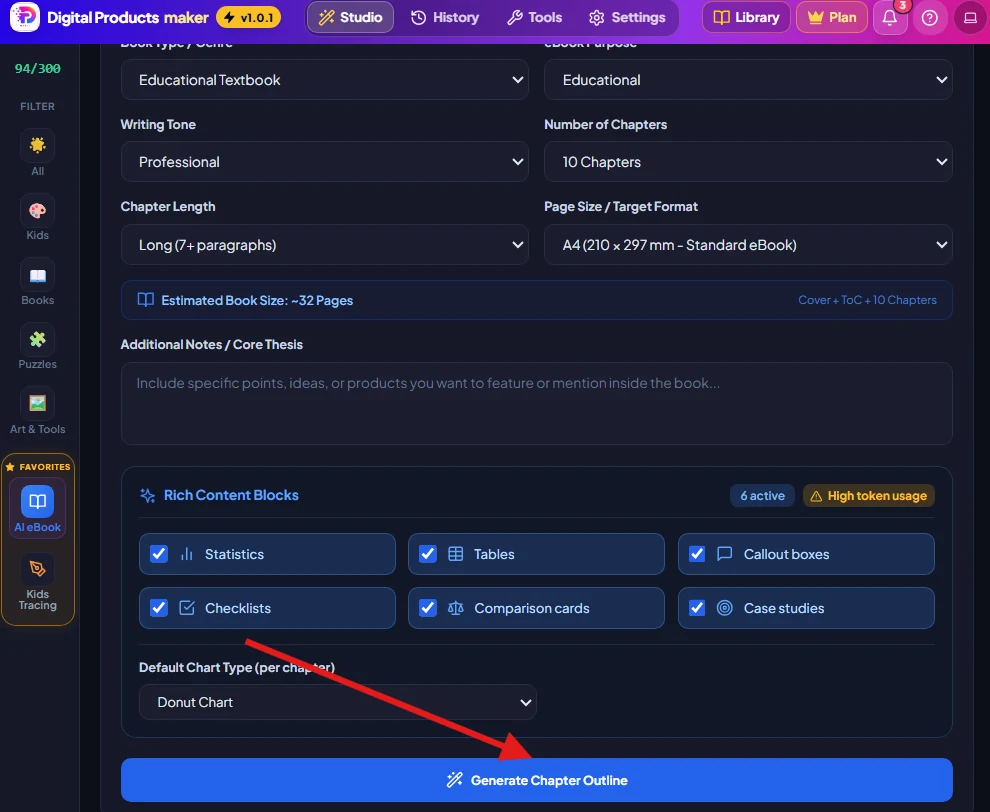
Step 12: Structuring 10 Chapters with Rich Content Blocks
Scale chapter count to 10 Chapters with long, comprehensive paragraphs (7+ per chapter) and activate all 6 high-utility modules:
- 📊 Statistics: Verified market metrics and percentages.
- 📋 Data Tables: Comparative frameworks.
- 💬 Callout Boxes: Editorial quotes and tips.
- ✅ Checklists: Actionable seller checklists.
- ⚖️ Comparison Cards: Strategic business trade-offs.
- 🎯 Case Studies: Real-world seller scenarios.
- 🥧 Default Chart Type: Donut Chart / Pie Chart.
Click "Generate Chapter Outline".
Step 13 & 14: Reviewing & Approving the Chapter Outline
The AI synthesizes a cohesive syllabus covering digital commerce evolution, niche identification, AI workflows, and pricing. Review and click "Write Full eBook Content".
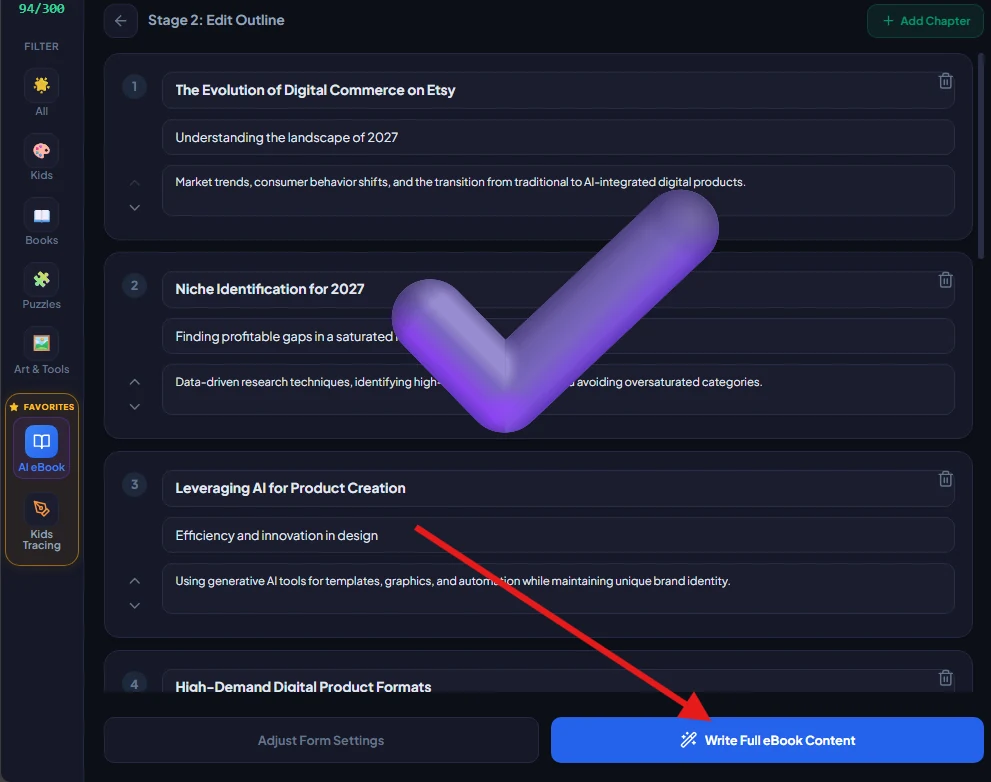
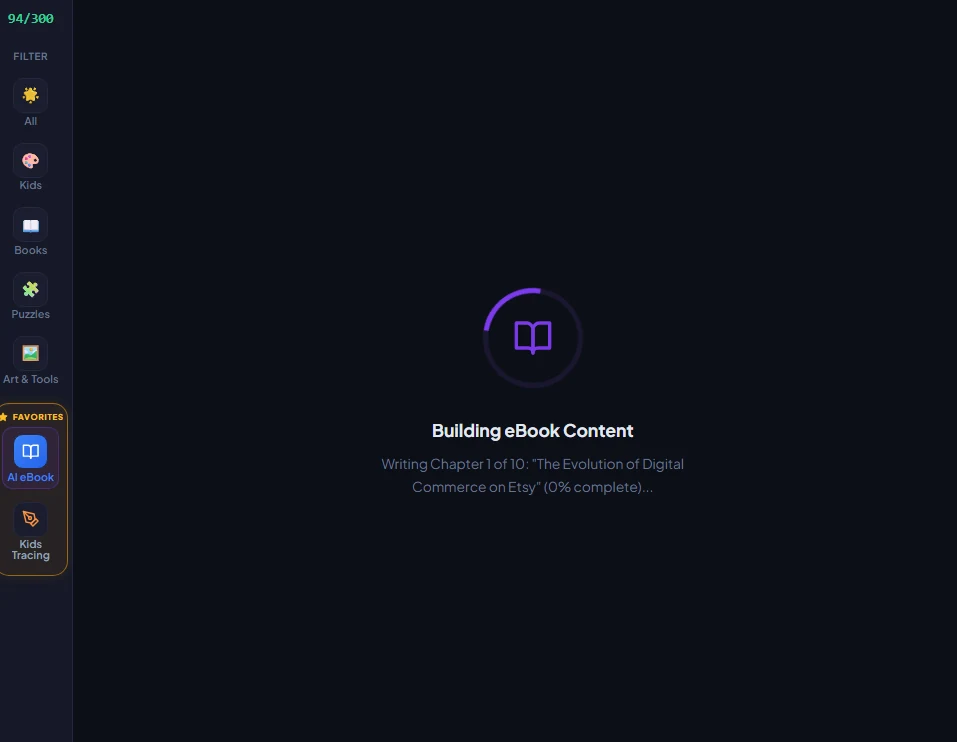
Step 15: Automated Real-Time Chapter Synthesis
The multi-threaded engine writes the chapters sequentially, injecting structured formatting and domain terminology.
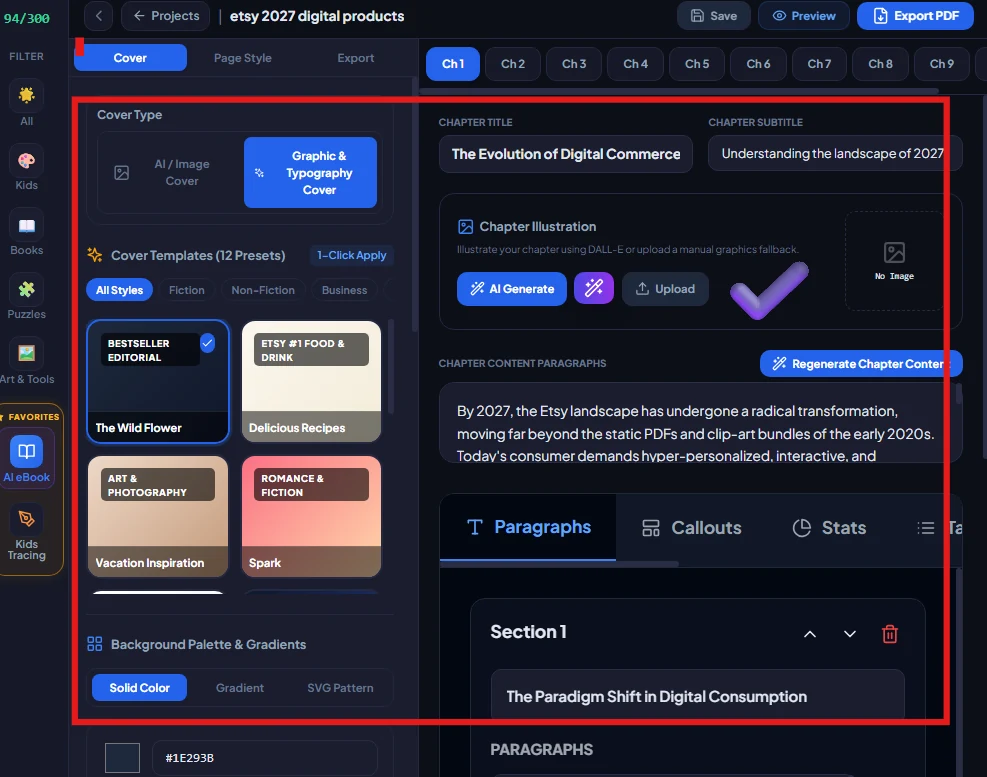
Step 16: Entering the eBook Visual Editor
Navigate the interactive editor: switch between chapter tabs, customize typography, and browse presets (Bestseller Editorial, Art & Photography).
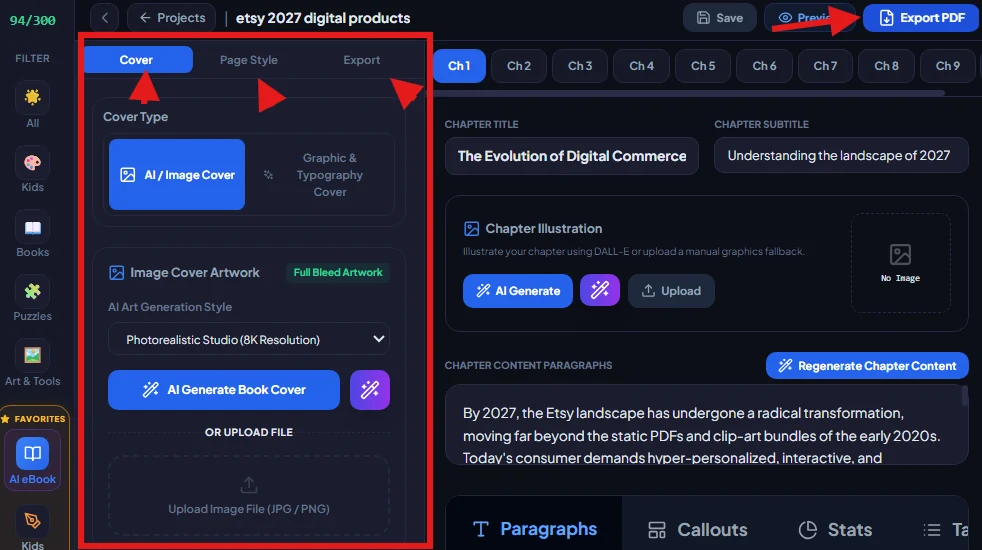
Step 17: Generating an 8K Photorealistic Cover Artwork
Select AI / Image Cover Artwork (Full Bleed), choose Photorealistic Studio (8K Resolution), and click "AI Generate Book Cover". The system creates a masterwork:
"ETSY 2027: THE ECO-DIGITAL CRAFTER'S GUIDE - Sustainable Success in a Virtual Marketplace".
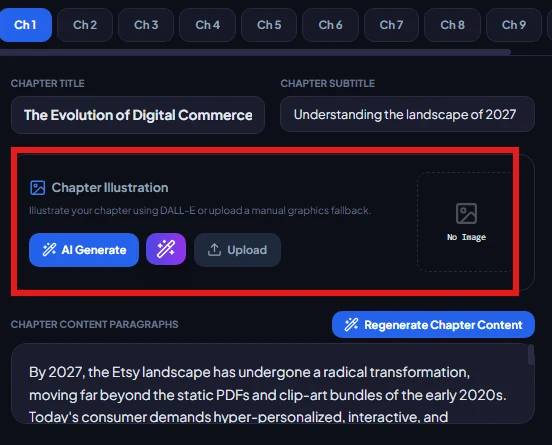
Step 18 & 19: AI Chapter Illustrations & Visual Pacing
Generate contextual graphics for each chapter to maintain reader immersion and break up text density.
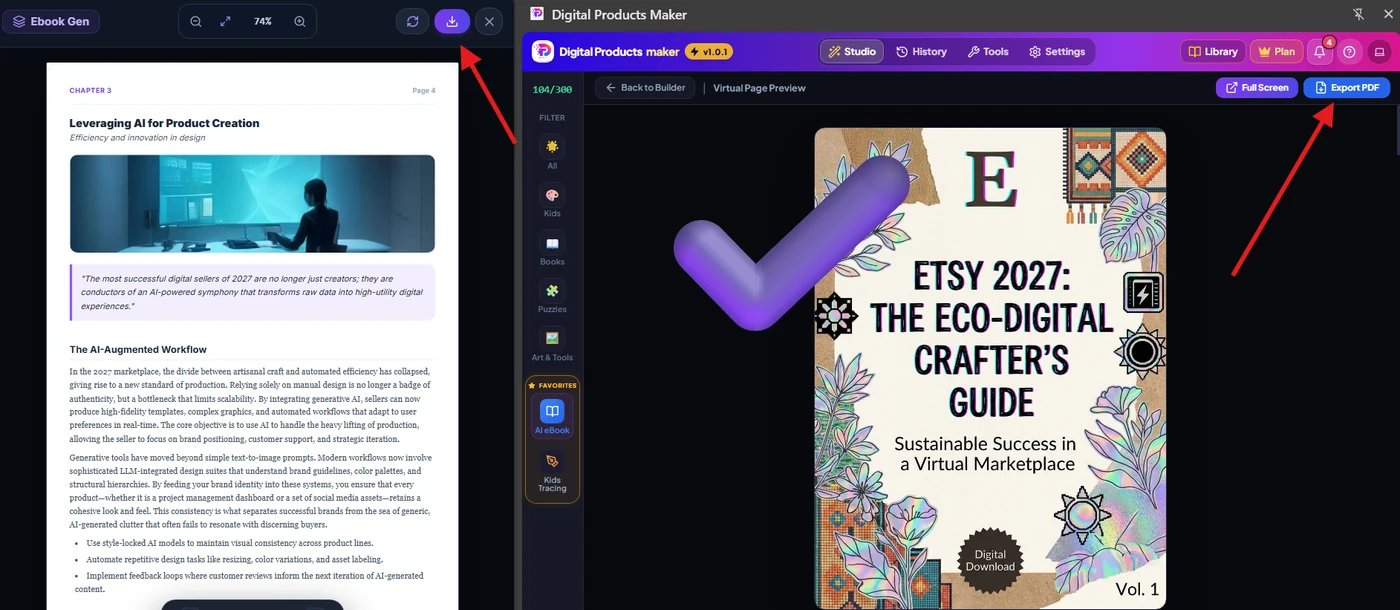
Step 20: Virtual Page Preview & 1-Click Export
Review the entire layout side-by-side with the front cover and click "Export PDF".
🔍 Forensic Anatomy of the 29-Page Exported PDF
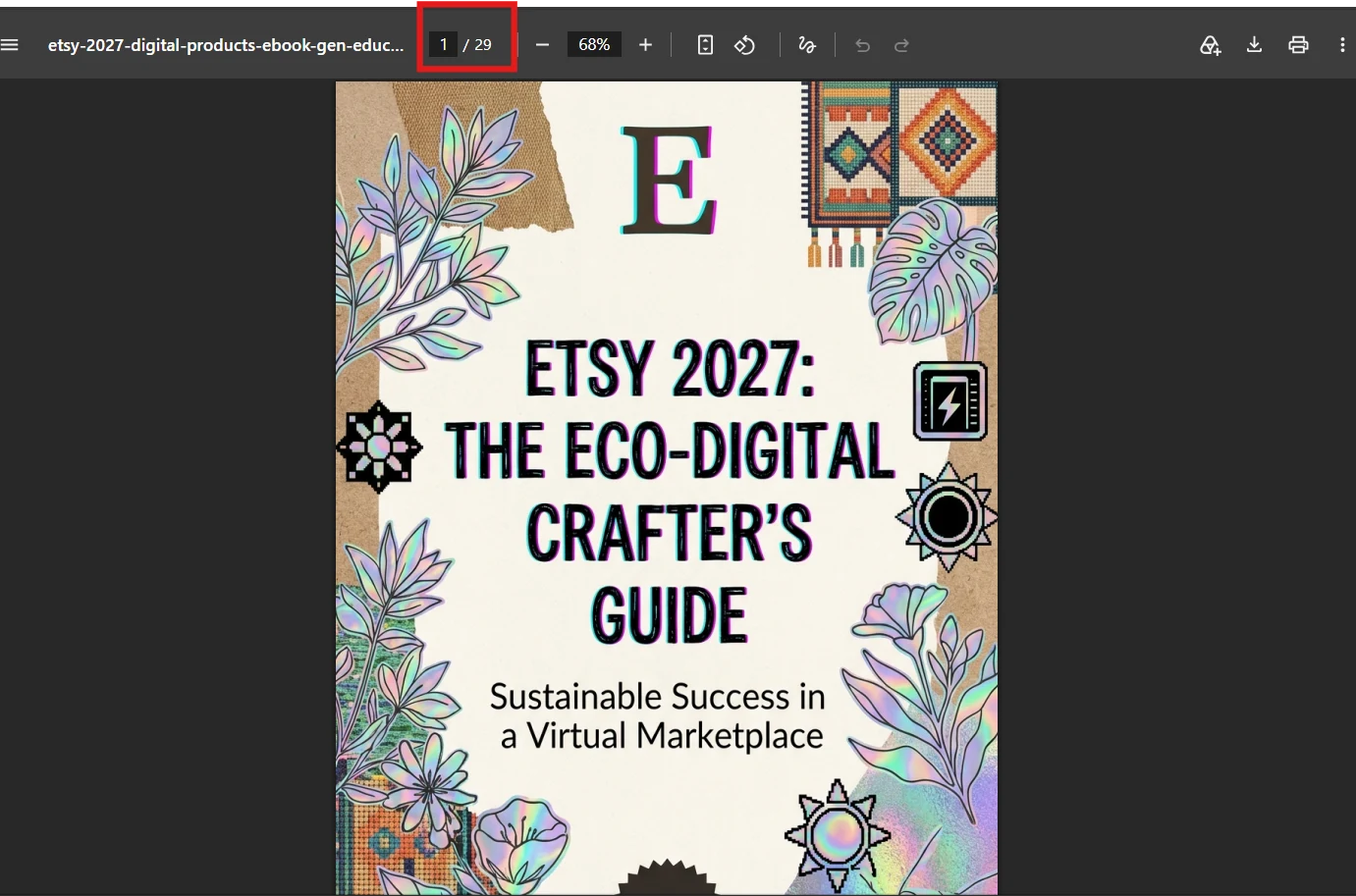
Opening the generated PDF in Adobe Reader or Chrome confirms publication-level execution across 29 formatted pages:
1. Front Cover (Page 1 of 29):
Full-bleed 300 DPI cover artwork featuring balanced typography and clean commercial branding.
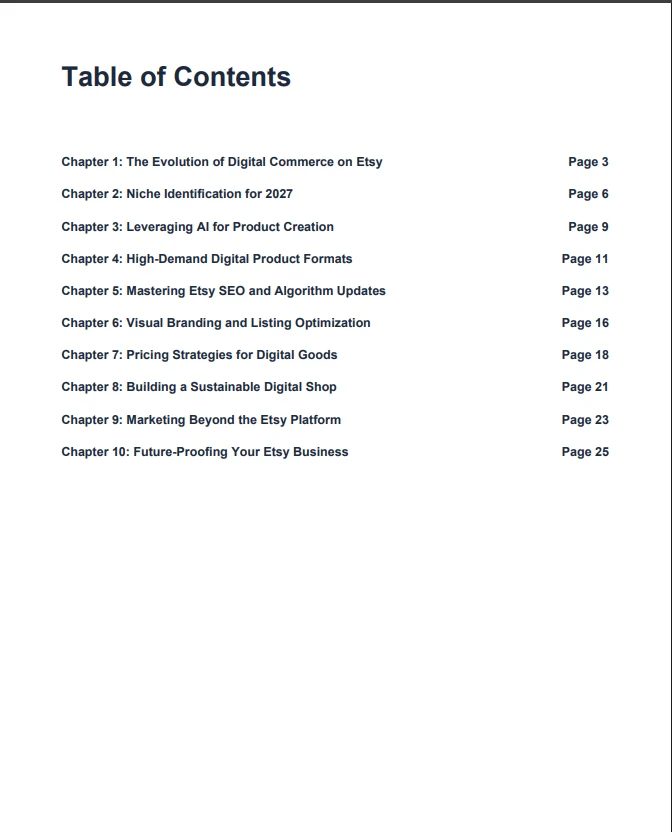
2. Automated Table of Contents:
Dynamic Table of Contents matching every chapter to its exact physical page number.
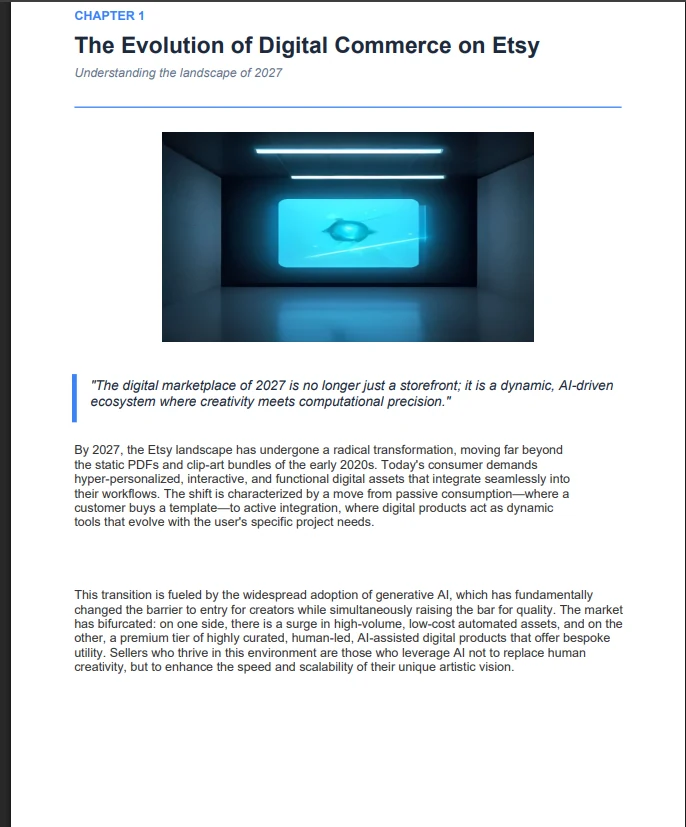
3. Chapter Layout & Editorial Callouts (Chapter 1):
Clean margins, header tags, AI illustration, and styled callout block.
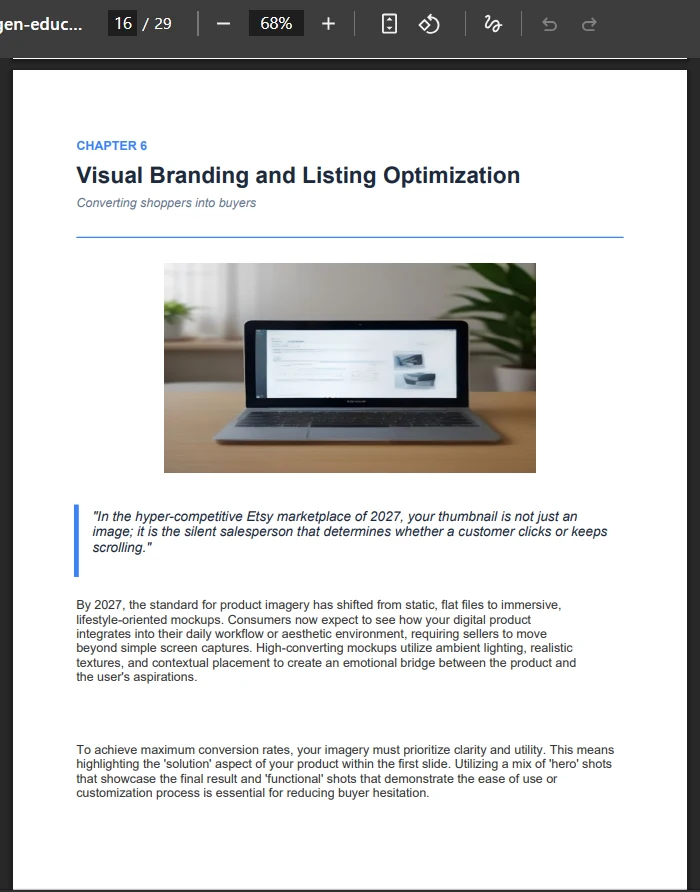
4. Lifestyle Mockup Imagery (Chapter 6):
High-converting realistic laptop mockup illustrating store setup and branding workflows.
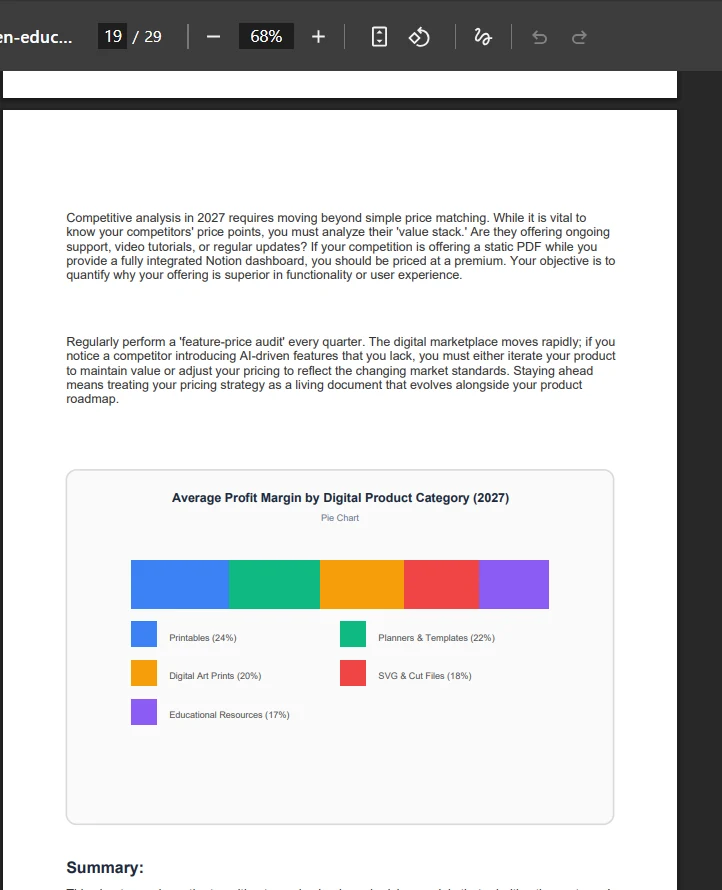
5. Data Visualizations & Profit Margin Chart (Chapter 7):
Clean embedded chart detailing average profit margins across 2027 product categories (Printables 24%, Planners 22%, Art Prints 20%, SVG 18%, Educational Resources 17%).
💰 Recommended Pricing & Marketplace Strategy (Etsy & KDP)
| Digital Product Type | Page Count | Recommended Etsy Price | Strategy |
|---|---|---|---|
| Pattern Worksheets | 5 - 10 Pages | $3.99 - $6.99 | Instant digital download printable |
| Kids Activity Bundle | 25 - 50 Pages | $12.99 - $19.99 | Seasonal or multi-grade bundle |
| Niche Business eBook | 25 - 35 Pages | $19.99 - $37.00 | High-ticket guide with downloadable bonuses |
| Amazon KDP Paperback | 30+ Pages | $9.99 - $14.99 | Print-on-Demand passive paperback |
❓ Frequently Asked Questions (FAQ)
Do generated assets include full commercial licensing rights?
Yes, 100%. Every printable, worksheet, and eBook created via Digital Products Maker includes unconditional commercial rights for sale on Etsy, Shopify, Amazon KDP, or personal storefronts.
Are the exported PDFs compliant with Etsy & KDP print standards?
Yes; all files export at crisp 300 DPI with industry-standard margins and embeddable vector assets.
How long does it take to produce a 29-page publication-ready eBook?
Between 3 to 5 minutes from initial topic input to full PDF download.