How to Create an Exclusive Recipe Book with a Single Click?
Cookbooks and Recipe Books are evergreen digital products with endless demand. Whether you're a culinary enthusiast looking to offer a gift to your followers, or an online seller seeking a profitable digital product (like Keto recipes or bodybuilding meals), authoring a recipe book usually requires countless hours of gathering ingredients and writing step-by-step instructions.
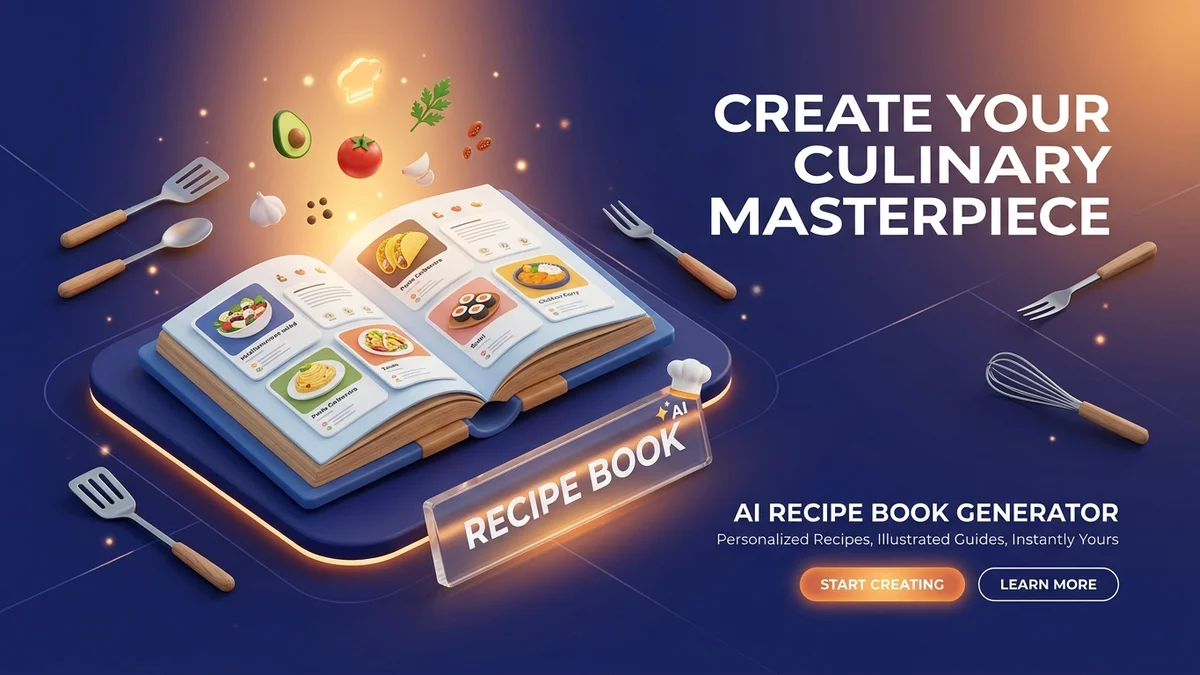
With the Recipe Book tool available on the Digital Products Maker platform, Artificial Intelligence handles this entire process for you, generating a fully formatted and professional cookbook.
Step One: Choosing the Tool
- After logging into your account, navigate to the Books & Written Content (Books) section.
- Click on the Recipe Book tool to open its dashboard.
Step Two: Customizing Your Book (Setup)
Here you will tell the AI exactly what kind of recipes you are looking for:
- Topic: The general idea of the book. For example: "Keto Diet Recipes" or "Easy Middle Eastern Desserts."
- Niche: Are you targeting a specific demographic? e.g., "Quick 15-minute meals for busy moms" or "High-protein vegan meals for athletes."
- Language: You can request the recipes in "English", "Spanish", "Arabic", etc. The ingredients and instructions will be accurately localized.
- Dimensions: Choose your preferred export size (such as A4 or 8.5x11 Letter).
- Pages Count: Determine how long you want the book to be (e.g., 20 or 50 pages). The AI will automatically calculate how many recipes to generate to fill out those pages.
After configuring these simple options, click the generate button.
Step Three: The Magic of Recipe Formatting (Preview)
In a matter of seconds, the magical preview of your cookbook will appear:
- Recipe Layout: The tool organizes each recipe attractively, including the Recipe Title, Prep Time, Cook Time, and Servings.
- Ingredients & Instructions: You will find the ingredients neatly formatted in a bulleted list, and the cooking instructions in a numbered, step-by-step list for optimal readability.
- Nutrition Facts: Often, the AI will also include nutritional data such as calories or protein content, significantly increasing the value of your book!
You can scroll through the recipes and flip the pages to ensure all dishes align perfectly with your initial concept.
Step Four: Exporting and Publishing
Does everything look appetizing? Click Export as PDF. Instantly, your fully formatted book will be downloaded as a high-quality PDF. This file is now ready to be uploaded to your Etsy store, sold as an eBook on Amazon KDP, or even used as a Lead Magnet on your blog to attract subscribers!
Capitalize on people's passion for food, and start authoring specialized, highly profitable cookbooks using the Recipe Book tool today!