How to Install the Digital Products Maker Extension (Step by Step)
Welcome to the world of digital product creation! The Digital Products Maker tool is a powerful Chrome Extension tailored for Amazon KDP and Etsy experts.
To ensure you receive the latest updates and exclusive features without the restrictions of public stores, the extension is provided exclusively through our Official Website. It is not available on the Chrome Web Store. Here are the simple steps to install it.
💻 System Requirements
Because our tool is built on the latest security standards (Manifest V3), it requires the following environment:
- Supported Devices: Desktop & Laptop Computers (Windows, macOS, Linux).
- Supported Browsers: Google Chrome (Highly Recommended) or any Chromium-based browser like Microsoft Edge.
- Smartphones: ⚠️ The extension does not work on mobile phones (iOS or Android).
🚀 Installation Steps (Developer Mode)
To install the extension downloaded from our website, follow these exact steps:
Download and Extract:
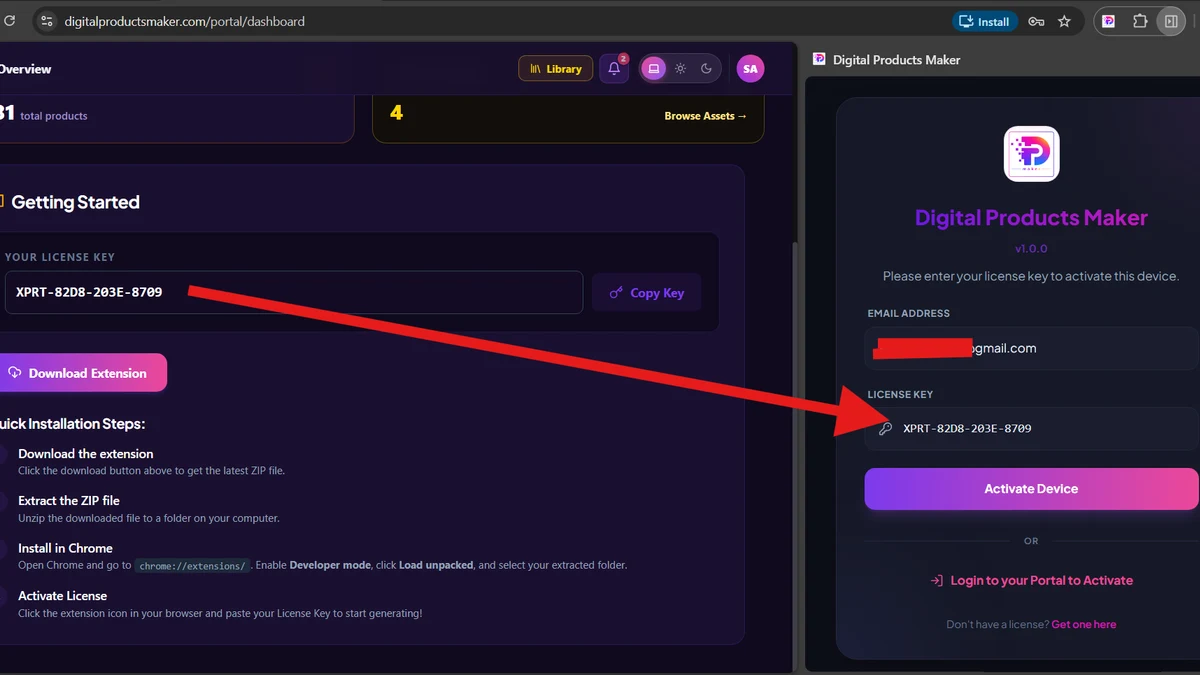
- After subscribing, download the extension as a ZIP file.
- Extract the ZIP file into a safe folder on your computer (ensure the extracted folder contains the
manifest.jsonfile).
Open Extensions Page:
- Open Chrome and type this URL in the address bar:
chrome://extensionsand press Enter.
- Open Chrome and type this URL in the address bar:
Enable Developer Mode:
- In the top right corner of the Extensions screen, toggle the switch for "Developer mode".
Upload the Extension:
- Three new buttons will appear at the top left. Click on "Load unpacked".
- A window will open. Navigate to where you extracted the folder, select the extension's folder, and click "Select Folder".
Successful Installation:
- The extension will immediately appear in your list of extensions and is ready to use!
📌 Pin the Icon for Quick Access
To launch the tool with a single click anytime:
- In Chrome, click the "Extensions" icon (puzzle piece 🧩) next to the address bar.
- Find Digital Products Maker in the list.
- Click the Pin 📌 icon next to it so it always appears next to your address bar.
The tool is now successfully installed!