Best File Format to Sell Digital Products: PDF vs. ZIP (And Why It Directly Impacts Sales in 2026)
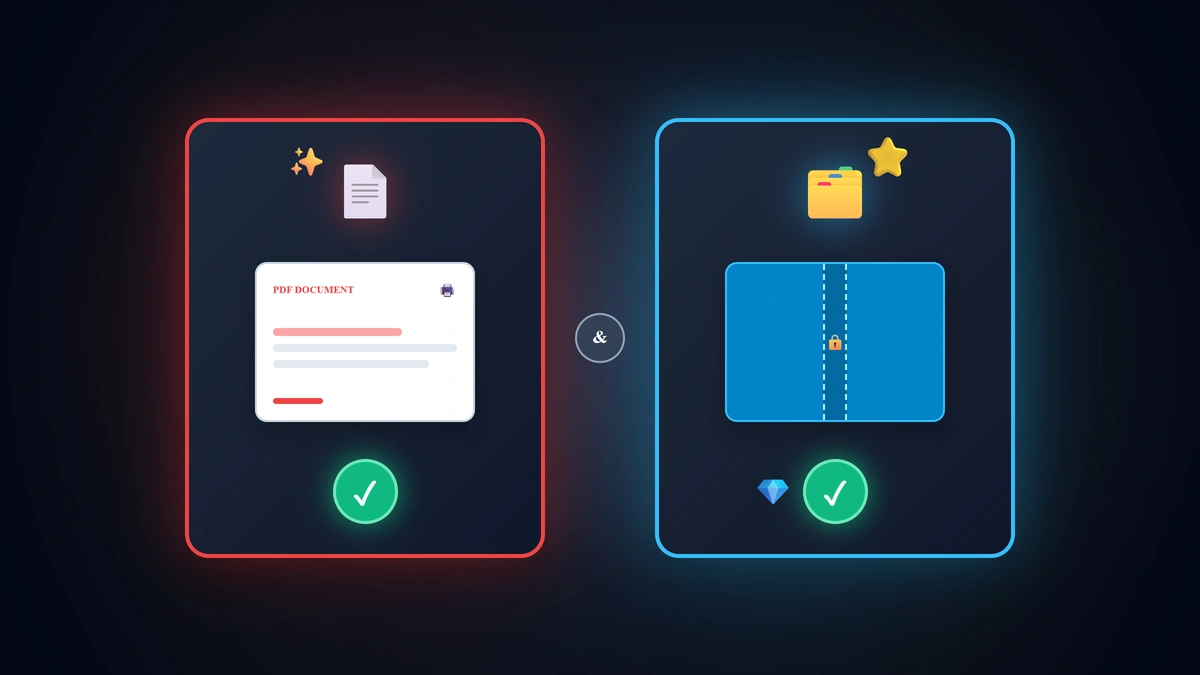
When digital creators finalize their inaugural product collection and reach the marketplace upload stage across Etsy or Gumroad, they encounter a pivotal UX question: "Should I deliver this listing as a direct PDF document or compress the files inside a ZIP folder?". The universal user experience rule in 2026 is: Deliver single-document printables (coloring books, planners, worksheets, wall art) directly as standalone PDF files so mobile and tablet buyers can open and print in 1 tap without unzipping apps, while reserving ZIP archives strictly for multi-asset collections (100+ individual PNG sticker files or complex SVG crafting packs) requiring folder organization.
💡 Core Takeaways from this Technical Delivery Blueprint:
- The 4 Digital Format Profiles (PDF vs. ZIP vs. PNG vs. SVG): Selecting the optimal delivery container for maximum customer satisfaction.
- The 3 Fatal Technical Errors that Trigger 1-Star Reviews: Forcing mobile users to unzip single sheets and uploading massive 100MB+ unoptimized exports.
- Bypassing Etsy's 20MB Filesize Ceiling: The strategic "Access Portal PDF" technique for mega-sized multi-gigabyte collections.
- Pre-Flight Delivery Checklist: Technical verification protocols to guarantee flawless home printing and stylus navigation.
1. Digital File Format Compatibility & UX Matrix (2026)
| File Format Container | Optimal Commercial Application | Mobile & Tablet Customer Friction | Mandatory Trigger Requirement |
|---|---|---|---|
| Master PDF Document (300 DPI) | Coloring books, planners, trackers, homeschool worksheets | Zero Friction (Opens instantly in 1 tap in any browser) | Products intended for home printing or GoodNotes |
| Compressed ZIP Archive | Large clipart bundles, layered SVG cut files, font packs | Requires third-party unzipping app on older phones | Delivering 5+ separate individual asset files |
| Transparent PNG Assets | Pre-cropped digital stickers, clip art graphics | Excellent visual clarity with transparent backgrounds | Packaged and distributed inside structured ZIPs |
| Vector SVG Files | Laser cutting and Cricut vinyl machine templates | Lossless infinite vector scaling for Crafters | Products targeting the DIY craft & cutting niche |
2. The 3 Technical Traps that Ruin Seller Ratings
1. Forcing Mobile Buyers to Unzip Single-Sheet Printables
- Over 60% of marketplace shoppers purchase directly on iOS and Android smartphones; when a buyer downloads a "1-Page Habit Tracker" wrapped inside a ZIP container, extraction friction leads to immediate customer confusion and 1-star refund requests.
2. Bloated, Uncompressed File Sizes (+50MB)
- Raw PDF exports containing uncompressed raster artwork cause severe rendering lag inside tablet note-taking applications like GoodNotes and Notability.
3. Delivering Editable Canva Templates Instead of Finished Files
- End consumers seek immediate instant-gratification deliverables ready for immediate printing, not complex editing tasks requiring third-party accounts.
3. How to Overcome Etsy's 20MB Upload Limit
Etsy imposes a strict 20MB file limit per uploaded digital attachment (up to 5 attachments per listing):
- If your comprehensive bundle exceeds 50MB (e.g. A 500-page mega collection):
- Upload the high-density files securely to a verified cloud repository (Google Drive / Dropbox).
- Compile a 1-page visual PDF deliverable entitled Click_Here_To_Access_Your_Files.pdf.
- Embed an obvious, high-contrast download button linking directly to the cloud folder.
- Attach this lightweight PDF to your Etsy listing; buyers receive it instantaneously upon checkout and access their library in 1 click.
4. How Specialized AI Ensures Flawless Delivery Standards
Dedicated creation suites like Digital Products Maker automate all technical compliance parameters:
- Formatting interior geometry to Certified Commercial 300 DPI Vector PDF trim sizes (US Letter 8.5x11 in).
- Applying lossless PDF compression to keep master files under 15MB for instantaneous tablet responsiveness.
- Structuring multi-card educational flashcards with precise cut-lines ready for immediate home printing.
5. Pre-Flight Delivery Action Checklist
- Deliver printables and iPad planners directly in standalone PDF format (avoid unnecessary ZIP wrapping).
- Test-open the master PDF on both an iPhone/Android device and an iPad to verify rendering speed.
- Verify that all graphic assets are formatted at commercial 300 DPI trim dimensions.
- Apply clean, descriptive filenames (e.g. 2026_ADHD_Daily_Planner_USLetter.pdf).
- Embed a brief 1-page printing guide detailing optimal home printer paper and scale settings.
6. Frequently Asked Questions (FAQ)
Is PDF compatible with all desktop and mobile operating systems?
Yes. PDF (Portable Document Format) is the globally standardized document format natively supported across iOS, iPadOS, Android, macOS, and Windows without third-party software.
When is a ZIP file strictly mandatory?
When distributing bundles containing hundreds of individual loose assets (e.g. 200 individual transparent PNG digital planner stickers or 50 font files).
Why shouldn't I sell raw Word (.docx) documents?
Word documents do not preserve font formatting or vector layout across different operating systems; PDF guarantees 100% geometric and aesthetic fidelity on every screen and printer worldwide.
Summary and The Operational Rule
Exceptional customer experience is the cornerstone of recurring five-star reviews and compounding digital royalties. Deliver single-product printables and planners directly as optimized 300 DPI PDFs, deploy ZIP containers exclusively for structured multi-asset bundles, and build your automated digital asset empire with complete technical clarity today.