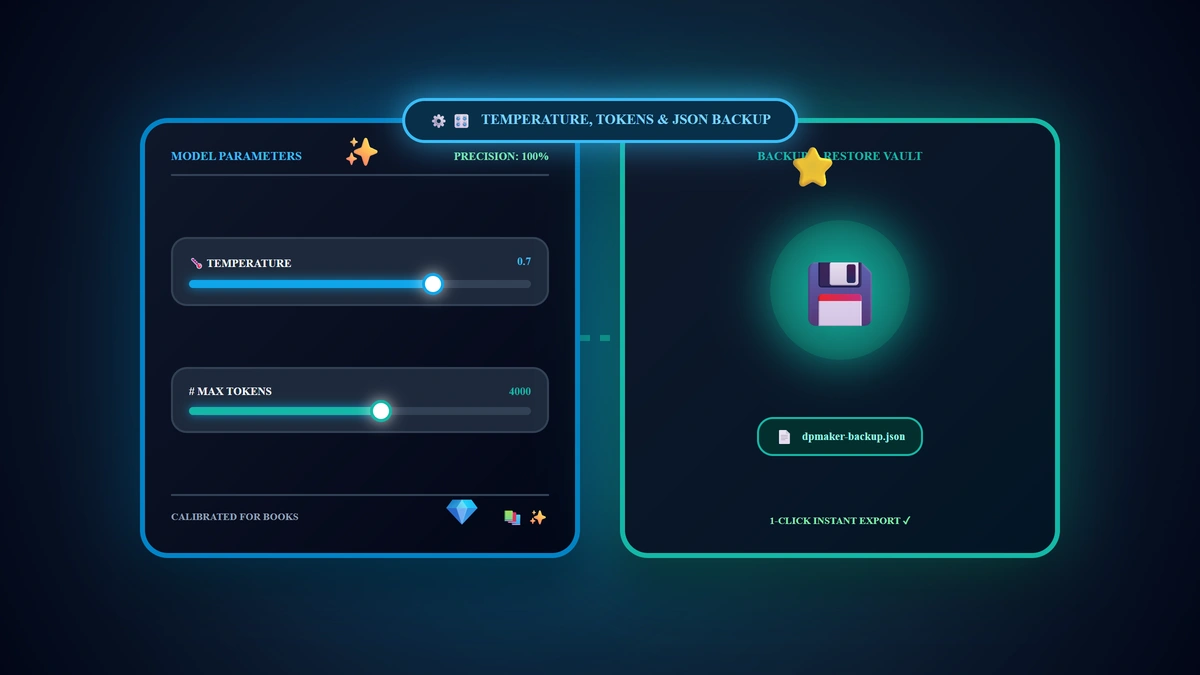
Advanced Generation Settings in Digital Products Maker: Tuning Temperature, Max Tokens & Backup Data
Many digital creators operate with standard default configuration settings without realizing that tuning a single parameter slider inside their control panel can eliminate output hallucinations, perfect mathematical drills, and eradicate mid-sentence text truncation. The defining technical principle in 2026 is: Model Parameters within the Generation tab give you deterministic mathematical control over generative behavior; setting Temperature to 0.2 guarantees error-free educational arithmetic while 0.8 sparks imaginative children's book concepts, and elevating Max Tokens to 4000 ensures full-length multi-chapter deliverables compile seamlessly; paired with 1-click JSON backup to secure your workspace across devices.
💡 Core Takeaways from this Advanced Calibration Blueprint:
- The Physics of Temperature Calibration: Balancing deterministic structural logic with creative linguistic variance.
- Max Tokens Optimization: Eliminating mid-sentence cutoffs during dense multi-page workbook compilation.
- API Key Governance (Personal vs. Managed System Keys): Navigating sovereign vs. enterprise cloud tiers.
- 1-Click JSON Backup & Migration: Transporting active presets, project history, and API configurations in seconds.
1. Configuring Model Parameters in the Generation Tab
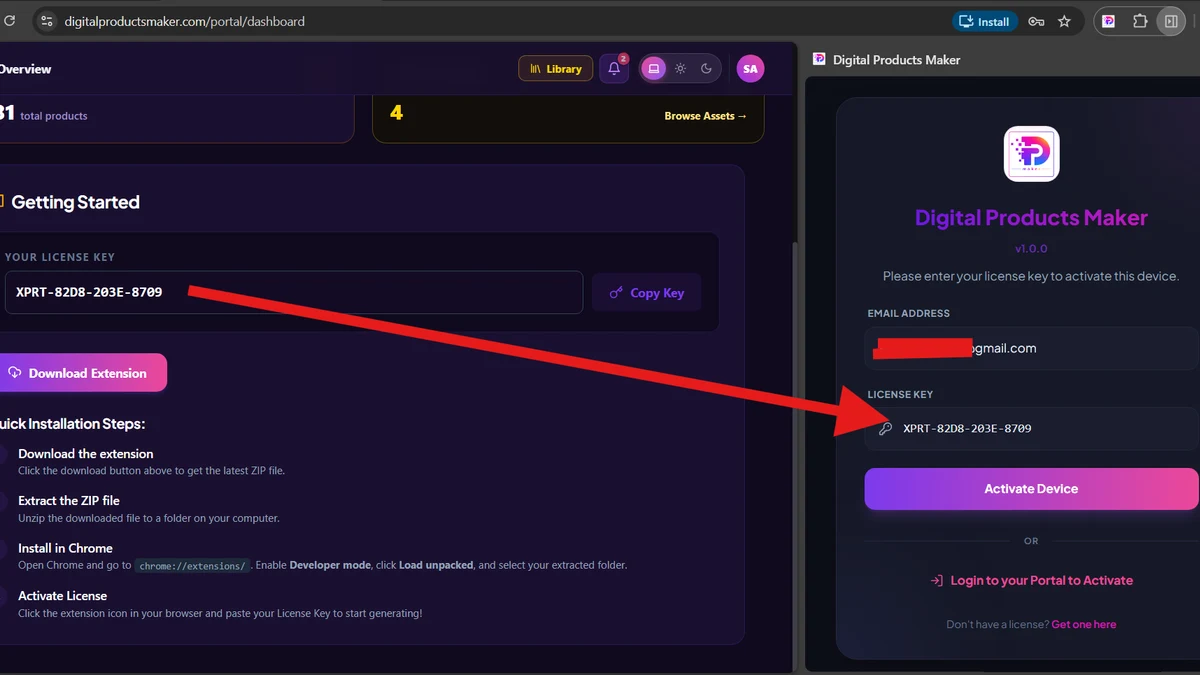
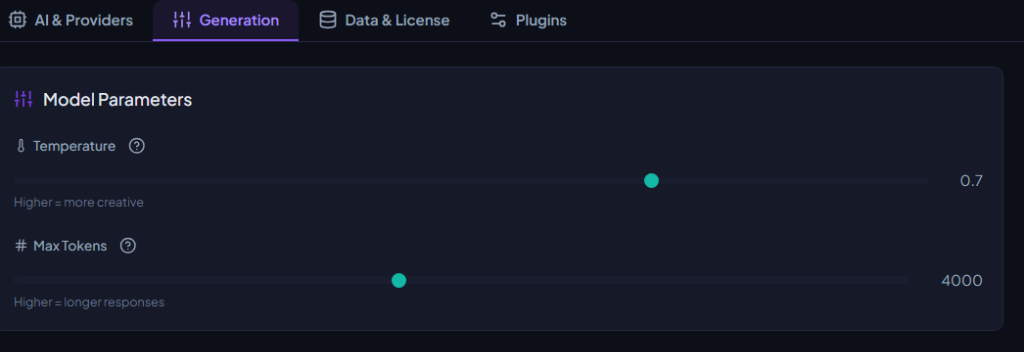
Launch your browser, open the Digital Products Maker interface, and select the Generation tab shown below:
2. The Temperature Calibration Matrix (2026)
The Temperature slider governs the mathematical randomness and entropy of token selection:
| Temperature Setting | Generative Probability Behavior | Optimal Use Case in Digital Product Manufacturing |
|---|---|---|
| 0.0 to 0.3 (Strict Determinism) | Highly focused, rigid, and strictly adheres to constraints | Math worksheets, academic curricula, budget financial tables |
| 0.4 to 0.7 (The Golden Zone - Default) | Flawless equilibrium of creative flair and structural discipline | Daily productivity planners, habit trackers, SEO titles & tags |
| 0.8 to 1.0 (Maximum Variance) | Unpredictable, richly imaginative, and novel vocabulary | Children's storybooks, fantasy coloring themes, viral marketing copy |
3. Engineering Max Tokens for Seamless Book Compilation
The Max Tokens slider governs the maximum token ceiling the AI is permitted to generate per single inference call:
- Default Bandwidth (2,000 Tokens): Optimal for discrete single-page assets like printable habit trackers and flashcard grids.
- Expanded Bandwidth (4,000 to 8,000 Tokens — Recommended for Books): When generating comprehensive multi-chapter interiors or dense activity guides, always adjust your ceiling to 4,000 tokens; this guarantees that multi-column tables, long-form reading passages, and formatting tags compile fully without abrupt mid-sentence cutoffs.
4. Decoupling API Infrastructure: Personal Keys vs. Managed System Keys
Under the AI & Providers tab, creators can toggle between two foundational sources:
- Personal Keys (Default Sovereign Model):
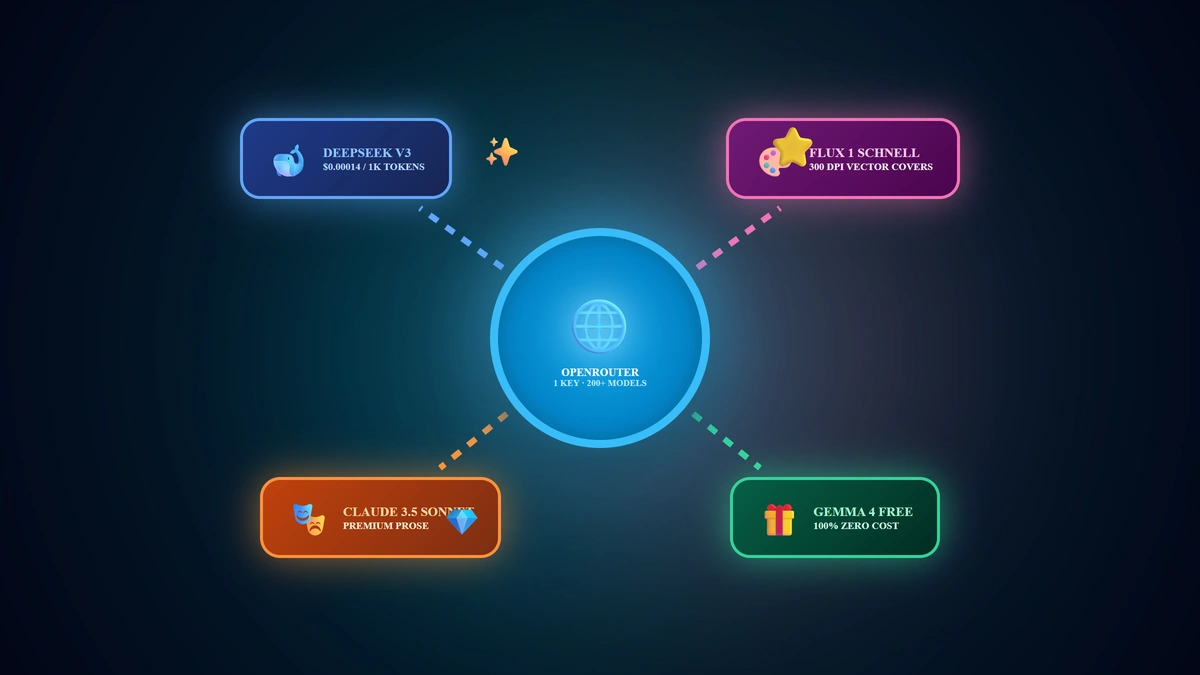
- Direct integration with your private API credentials (Google, Groq, OpenAI, OpenRouter).
- Grants unrestricted generation throughput, full cost autonomy, and zero platform markup.
- System Keys (Managed Enterprise Tier):
- Available for licensed enterprise tiers where infrastructure keys are provisioned centrally, requiring zero manual API setup.
5. Sovereign Data Governance: 1-Click Backup & Migration
Within the Data & License tab, your entire creative operating system can be archived and migrated with zero friction:
- Export Backup:
Clicking the blue action button downloads a lightweight, encrypted snapshot:dpmaker-backup-YYYY-MM-DD.json. This archive encapsulates:- All active API keys, labels, and rate-limit counters.
- Tailored temperature, token limits, and model selections.
- Complete product generation history and custom preset metadata.
- Import Backup:
When moving to a new computer or secondary browser profile, click Import Backup and select your JSON file; your entire studio environment restores instantaneously with 100% fidelity.
6. Pre-Flight Generation Parameter Checklist
- Align Temperature to 0.7 for general planners or 0.2 for structured educational drills.
- Expand Max Tokens to 4,000 for long-form multi-page workbook compilation.
- Download a fresh JSON Backup via Data & License to secure your active configurations.
- Execute a single-page test generation to verify tonal alignment and formatting integrity.
7. Frequently Asked Questions (FAQ)
Does increasing Max Tokens increase API costs if the response is short?
No! Commercial APIs bill strictly for the actual tokens generated; Max Tokens is simply a safety ceiling allowing the model to finish naturally without truncation.
Is the exported JSON backup file secure and private?
Yes! The JSON backup is generated and stored purely on your local machine (Client-Side Storage) and is never transmitted to external cloud servers, safeguarding your private API credentials.
What should I do if the AI begins outputting irrelevant or chaotic text?
Reduce your Temperature slider down to 0.4 or 0.3 to restrict token variance and force strict alignment with your chosen template.
Summary and First Action Step
Mastering model calibration and sovereign data backups elevates you from a casual creator into a precision digital publishing engineer. Calibrate your generation parameters today, archive your backup JSON, and manufacture elite digital deliverables with supreme technical confidence in 2026.