How to Connect OpenRouter API in Digital Products Maker: Access DeepSeek, Claude 3.5 & Flux Models
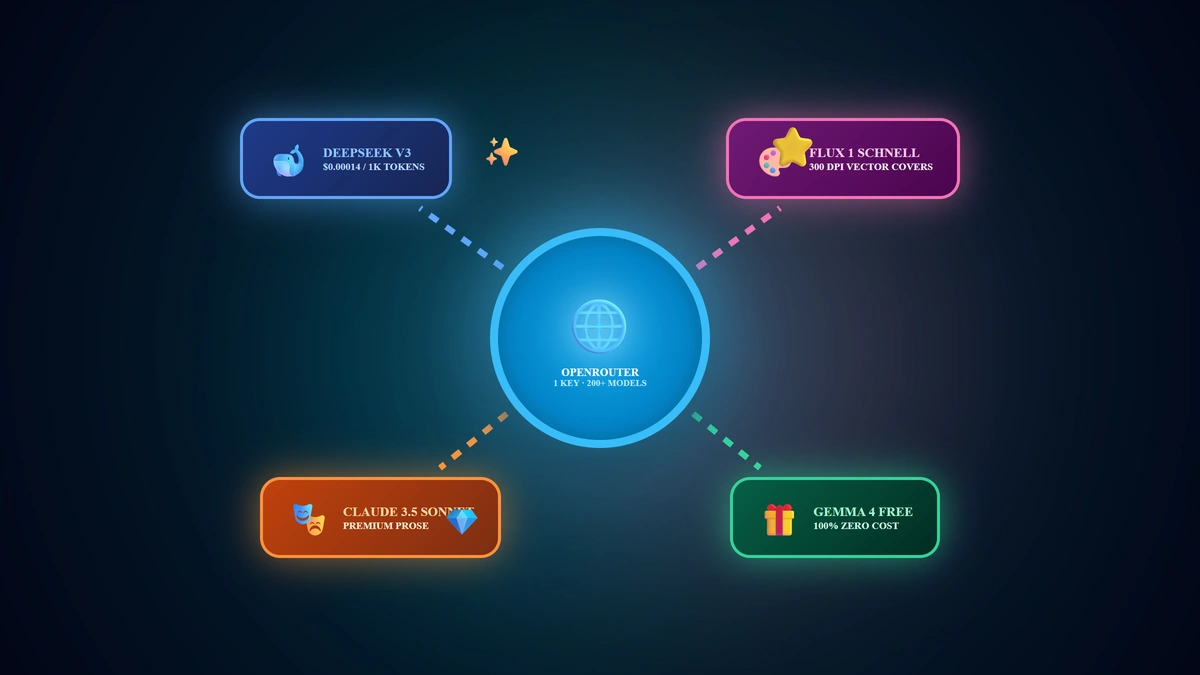
Rather than managing separate developer accounts and billing ledgers across multiple AI vendors, OpenRouter serves as the universal API gateway, uniting hundreds of global frontier models under a single flexible interface. The definitive setup reality in 2026 is: You can connect OpenRouter to Digital Products Maker in under 60 seconds by generating a key (sk-or-...) at openrouter.ai, giving you immediate access to 100% free models like Google Gemma 4, ultra-economical frontier intelligence with DeepSeek V3 ($0.00014/1k tokens), and premier 300 DPI vector illustration generation via Flux 1 Schnell.
💡 Core Takeaways from this Universal Gateway Masterclass:
- Direct Portal Links & Key Generation: Creating your multi-model credential on openrouter.ai in seconds.
- Zero-Cost Free Tier Activation: Running OpenRouter Auto-Free, Gemma 4 31B, and Nemotron 3 without depositing funds.
- The DeepSeek V3 Economic Advantage: Slashing digital book compilation costs by 95% compared to legacy models.
- High-Fidelity Vector Art via Flux 1: Generating pristine coloring book interiors and commercial covers.
1. Step 1: Provisioning Your API Key on OpenRouter
OpenRouter provides unprecedented flexibility, supporting both zero-cost free models and pay-as-you-go micro-deposits ($5.00 via Stripe or Crypto):
- Navigate directly to the developer keys interface:
🔗 OpenRouter API Keys Dashboard - Sign in instantly using your Google or GitHub account.
- Click the prominent blue button: "Create Key".
- Assign an identifier (e.g. DPMaker Studio), set an optional safety credit limit, and click Create.
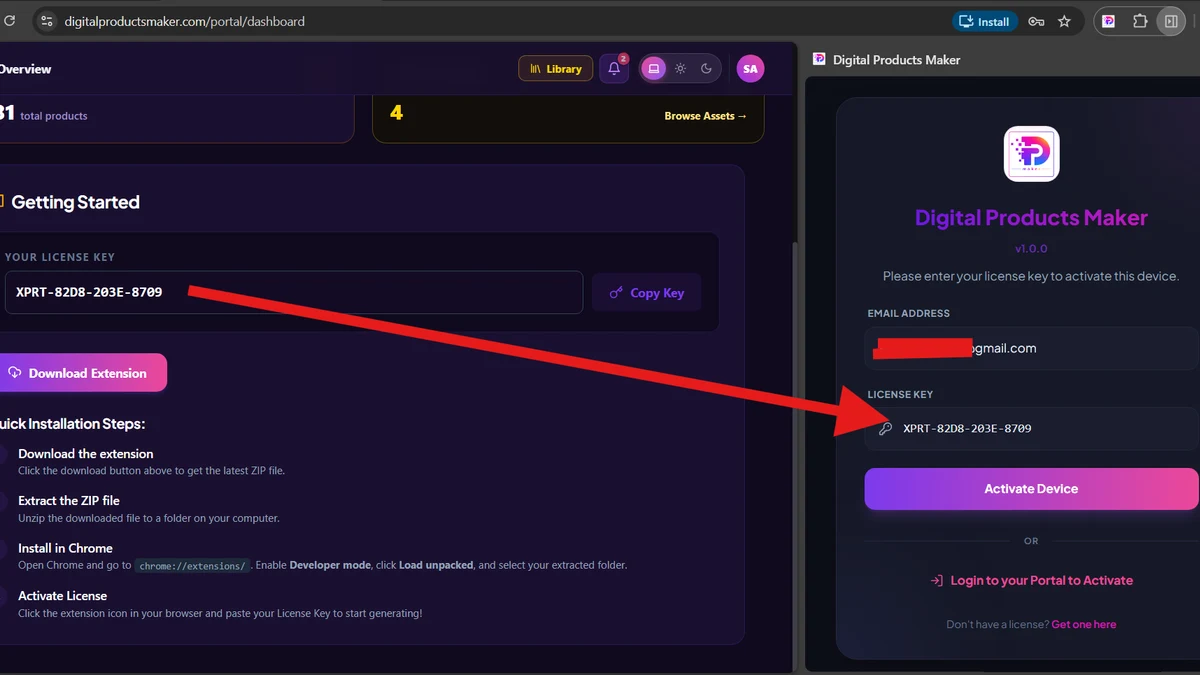
- Copy the complete secret key string prefixed with
sk-or-v1-...and store it securely.
2. Step 2: Configuring OpenRouter in Digital Products Maker
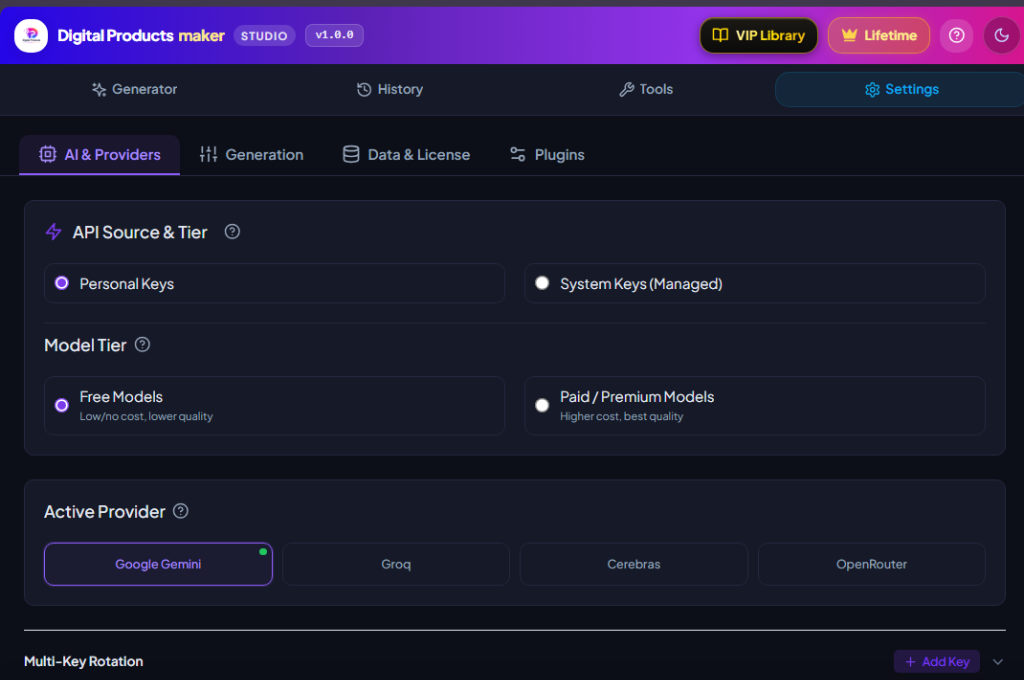
Launch the Digital Products Maker extension interface and follow the sequence shown above:
- Navigate to Settings (⚙️) -> select the AI & Providers configuration tab.
- Under API Source & Tier:
- Select Personal Keys.
- Select Free Models (for zero-cost Gemma/Nemotron) or Paid / Premium Models (for DeepSeek V3, Claude 3.5, and Flux 1).
- Under Active Provider:
- Click on the OpenRouter card.
- Under Text/Reasoning Model:
- For Free Tier: Select
openrouter/free (Default)orgoogle/gemma-4-31b-it:free. - For Paid Tier: Select
deepseek/deepseek-chat(DeepSeek V3/R1 for unmatched reasoning at $0.00014/1k tokens) oranthropic/claude-3.5-sonnet.
- For Free Tier: Select
- Under Image Generation Model:
- Select
black-forest-labs/flux-1-schnellfor high-contrast vector line-art and coloring interiors ($0.003/image).
- Select
- Under Multi-Key Rotation:
- Click + Add Key, paste your
sk-or-...key, and click Save Keys to illuminate the Green Active Indicator.
- Click + Add Key, paste your
3. The DeepSeek V3 Gamechanger: Elite Quality at 95% Less Cost
DeepSeek V3 has emerged as the premier text engine for digital product creators in 2026:
- Unrivaled Production Economics: Priced at $0.00014 per 1,000 tokens, generating a 50-page complex coloring book or daily planner costs under $0.003 (less than a third of a single cent!).
- Superior Prompt & Layout Logic: It generates intricate image prompts and structured JSON templates with flawless precision.
4. OpenRouter Model Matrix in Digital Products Maker (2026)
| Model Identifier in Extension | Tier Classification | Unit Cost Metric | Optimal Use Case in Digital Commerce |
|---|---|---|---|
| OpenRouter Auto-Free | Free | 100% Free ($0.00) | Default Rapid Engine: Quick brainstorming & flashcards |
| Google Gemma 4 31B Free | Free | 100% Free ($0.00) | High-precision educational worksheets & lessons |
| DeepSeek Chat (V3/R1) | Paid | $0.00014 per 1k tokens | Top Recommendation: Full books, planners & SEO metadata |
| Claude 3.5 Sonnet | Paid | $0.015 per 1k tokens | Nuanced storytelling & complex creative prose |
| Flux 1 Schnell | Paid (Image) | $0.003 per image | Pristine 300 DPI vector coloring sheets & covers |
5. Connection Pre-Flight Verification Checklist
- Provision a clean API key via OpenRouter Keys.
- Fund a modest $5.00 balance if deploying DeepSeek V3 and Flux 1 models.
- Select OpenRouter as your Active Provider within Digital Products Maker settings.
- Paste your credential and verify the Green Active Dot illuminates.
- Execute a test image generation with Flux 1 Schnell to verify vector rendering fidelity.
6. Frequently Asked Questions (FAQ)
Can I use OpenRouter without adding payment details?
Yes! All models appended with the :free suffix (such as Gemma 4 and OpenRouter Auto-Free) operate completely free of charge without entering credit card information.
How far will a $5.00 deposit go on OpenRouter?
$5.00 provides immense commercial runway: it powers over 1,000 full-resolution images on Flux Schnell, and over 1,500 complete multi-chapter digital books on DeepSeek V3!
Does OpenRouter work globally without geographical blocks?
Yes! OpenRouter provides universal global access with zero geographical restrictions, making it the ideal solution for creators in the Middle East and worldwide.
Summary and First Action Step
OpenRouter consolidates the world's premier artificial intelligence models into a single, unified interface with near-zero overhead. Retrieve your API key today, connect OpenRouter in Digital Products Maker, and harness the power of DeepSeek and Flux to scale your digital asset portfolio in 2026.