The Complete Blueprint to Selling High-Converting Canva Templates on Etsy & Gumroad (2026 Guide)
Why do static PDF sellers struggle to make $10 a day, while editable Canva template creators routinely generate over $300 a day in pure passive income? The secret lies in customizable customer value. Today's digital shoppers on Etsy, Gumroad, and Stan Store don't want locked artwork they cannot adapt—they demand 1-click cloud templates they can brand with their own colors, fonts, and copy in under 3 minutes.
💡 Key Takeaways from this Blueprint:
- The Canva Advantage: The financial and operational leverage of selling cloud template links over static PDFs.
- Top 5 High-Demand Niches: The exact template categories generating the highest conversion rates in 2026.
- The Legal Protection Protocol: How to correctly generate Canva Template Links without letting buyers overwrite your master source file.
- The Value-Ladder Bundling Strategy: How to elevate average order values from $7 to $47 effortlessly.
1. The Economics of Canva Templates: Why It Is the Ultimate Digital Asset
When selling physical goods or even print-on-demand books, printing and handling eat away at margins. Canva templates, however, deliver 95%+ profit margins because production cost is zero after initial design, and delivery is 100% automated.
| Comparison Metric | Static Flattened PDF | Editable Canva Template Link |
|---|---|---|
| Asset Format | Locked non-editable PDF | Dynamic cloud link generating a fresh user copy |
| Average Price Point | $3 - $7 | $15 - $47 (especially for curated bundles) |
| Customer Satisfaction | Low (friction in modifying text) | 5-Star (instant drag-and-drop customization) |
| Fulfillment Cost | Zero | Zero (delivered via branded access PDF) |
| Repeat Purchase Rate | Low | Very High (buyers return for matching suites) |
2. Top 5 Profitable Canva Template Niches for 2026
Do not create generic designs. Sustainable digital commerce comes from solving specific time-saving problems for targeted buyer personas:
1. Social Media Brand Kits for Micro-Businesses
- Instagram bundles for medspas, real estate agents, fitness coaches, or legal consultants.
- Standard bundle format: 50 Square Feed Posts + 50 Stories + 20 Carousel Slides + 15 Reel Covers.
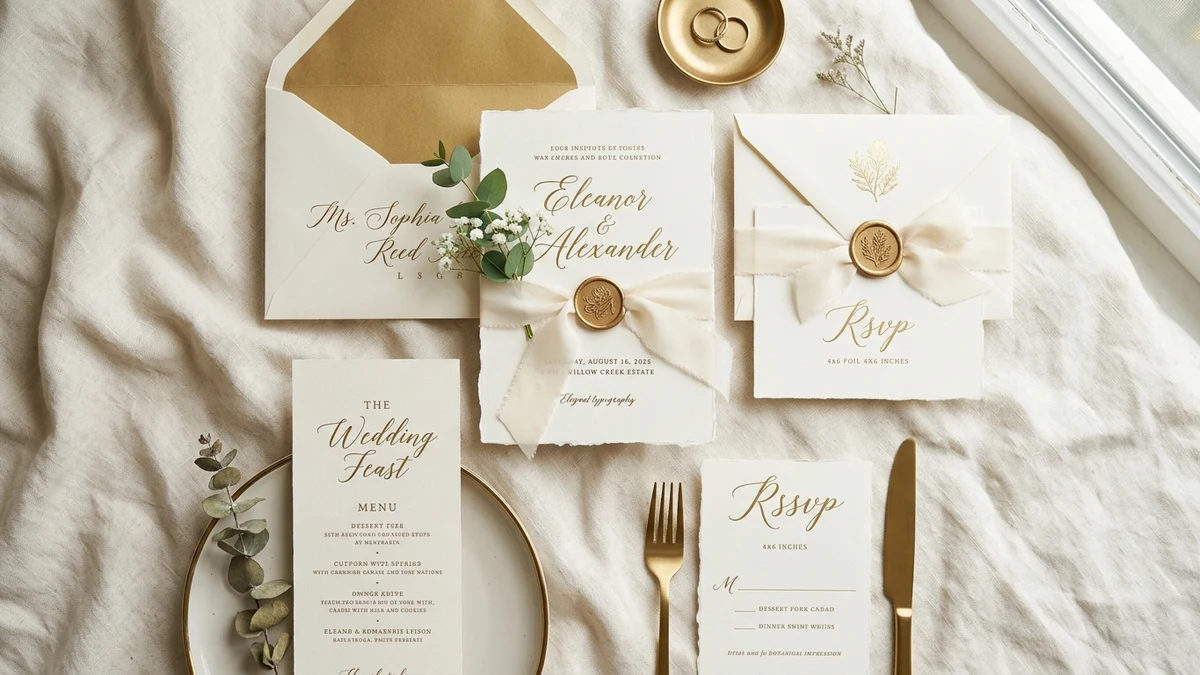
2. Wedding & Luxury Event Stationery Suites
- Matching digital invitations, seating charts, menu cards, and thank-you stationery.
- Advantage: High-ticket buyer psychology with zero price resistance during wedding planning.
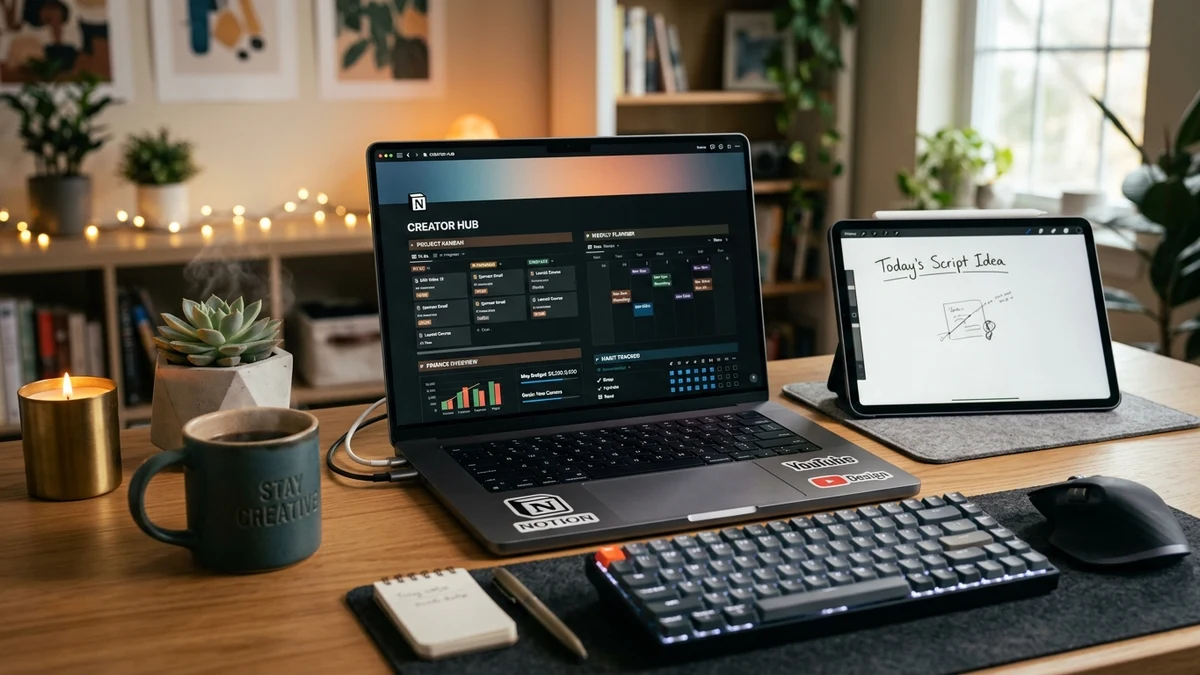
3. Digital Planners & Habit Trackers
- Hyperlinked weekly agendas, financial budget spreadsheets, and fitness goal roadmaps.
4. Classroom & Homeschooling Printables
- Recognition certificates, visual flashcards, and student reward trackers for educators.
5. Client Proposals & Business Invoicing Systems
- Clean, aesthetic slide decks and proposal kits for freelancers and boutique agencies.
3. Step-by-Step Fulfillment Architecture
Design Master Files with Free Assets Only:
- Always build templates using free Canva fonts and vectors so customers are never forced to purchase a Canva Pro subscription to export their files.
Generate the Official Template Sharing Link:
- Navigate to Share > More > Template Link.
- ⚠️ Critical Rule: Never share standard "Edit Links"—otherwise, the very first customer will accidentally edit and destroy your master document for all subsequent buyers.
Package Inside an Access Delivery PDF:
- Create a polished single-page PDF titled "Thank You for Your Order", embedded with a prominent clickable button: "Access Your Editable Canva Template Here".
- Upload this PDF to Etsy or Gumroad for instantaneous instant digital delivery.
4. Pre-Launch Quality & SEO Checklist
- All fonts, graphics, and elements verified as 100% free-tier assets.
- Template link verified in an Incognito window to confirm it clones as a fresh user copy.
- Realistic 3D device mockup graphics created showcasing the template across desktop and mobile screens.
- Keyword-rich product description highlighting the 3-minute editing workflow and license terms.
5. Frequently Asked Questions (FAQ)
Is it legally permissible to sell Canva designs commercially?
Yes. Canva’s commercial terms permit the sale of original template designs you create from scratch, provided you do not resell raw standalone Canva stock elements.
Does my buyer need a paid Canva Pro subscription?
No. By restricting your design to free-tier fonts and graphics, any buyer with a free Canva account can freely access, customize, and export their assets.
How do I eliminate refund requests?
Include clear step-by-step visual instructions inside your Access PDF explaining how to click the link, save a copy, and reach out for customer support.
Conclusion & Action Steps
Selling editable Canva templates represents the most scalable digital product model in 2026. Select one profitable niche today, craft your first high-value template bundle, and start capturing passive recurring royalties!